Modification of organization information can only be performed by a NEN System User with the role of "Entity’s Administrator" through the "Manage Organization Information" tile.
You can search/ add the "Manage Organization Information" tile using the search bar "What would you like to do?" or the "plus" icon. After clicking on this tile, a form will appear where you can modify information entered into the NEN system during the registration application submission.
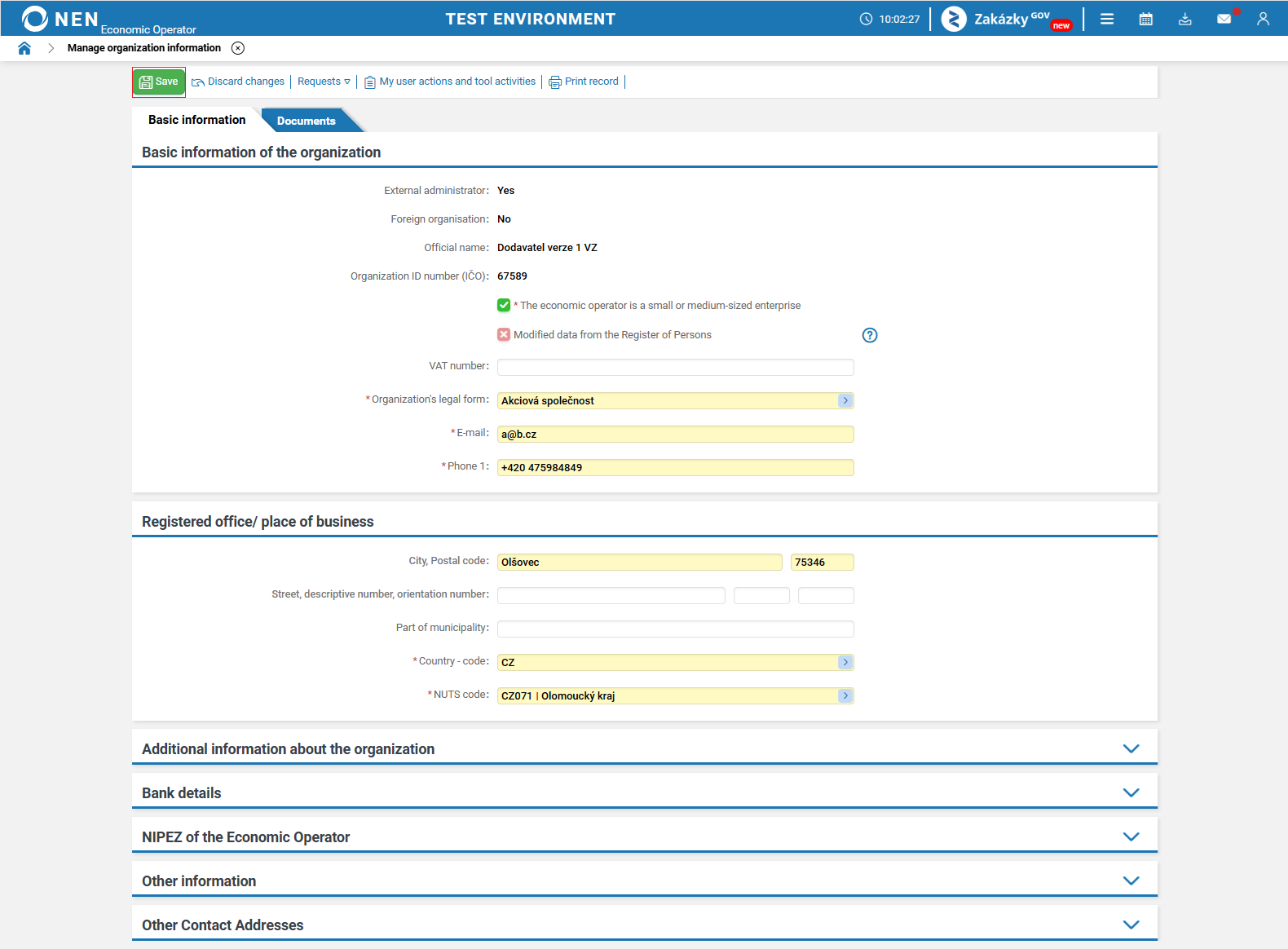
To activate the fields, click anywhere in the form and then modify necessary data. Save the changes by clicking on the "Save" button in the upper left corner of the form.
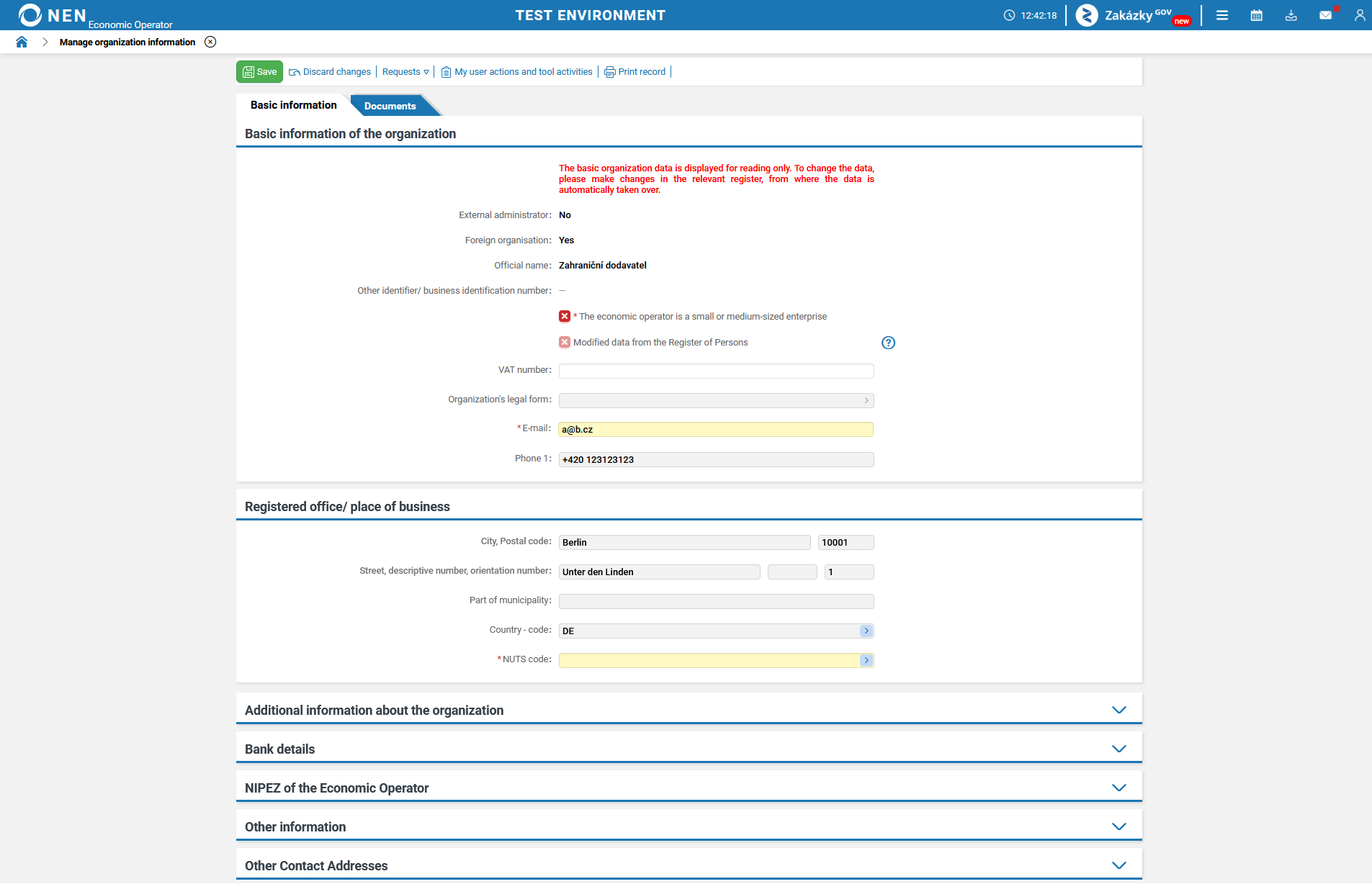
If you have an entity registered via the NIPEZ portal, some entity data transferred from the NIPEZ portal to the NEN system can be edited.