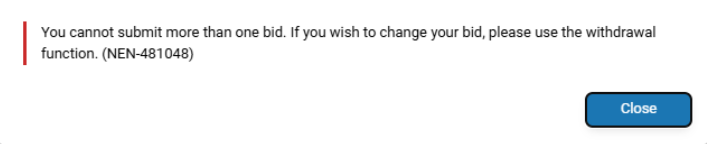
An electronic submission can always be withdrawn until the relevant deadline for submission expires. The contracting authority will not be able to open this submission, and they will also see information about the withdrawal.
Withdrawal can be initiated within the NEN system from various locations, for example, directly within a particular procurement procedure through the "i" icon or through the "Withdraw the Submission" and "Completed Submissions" tile.
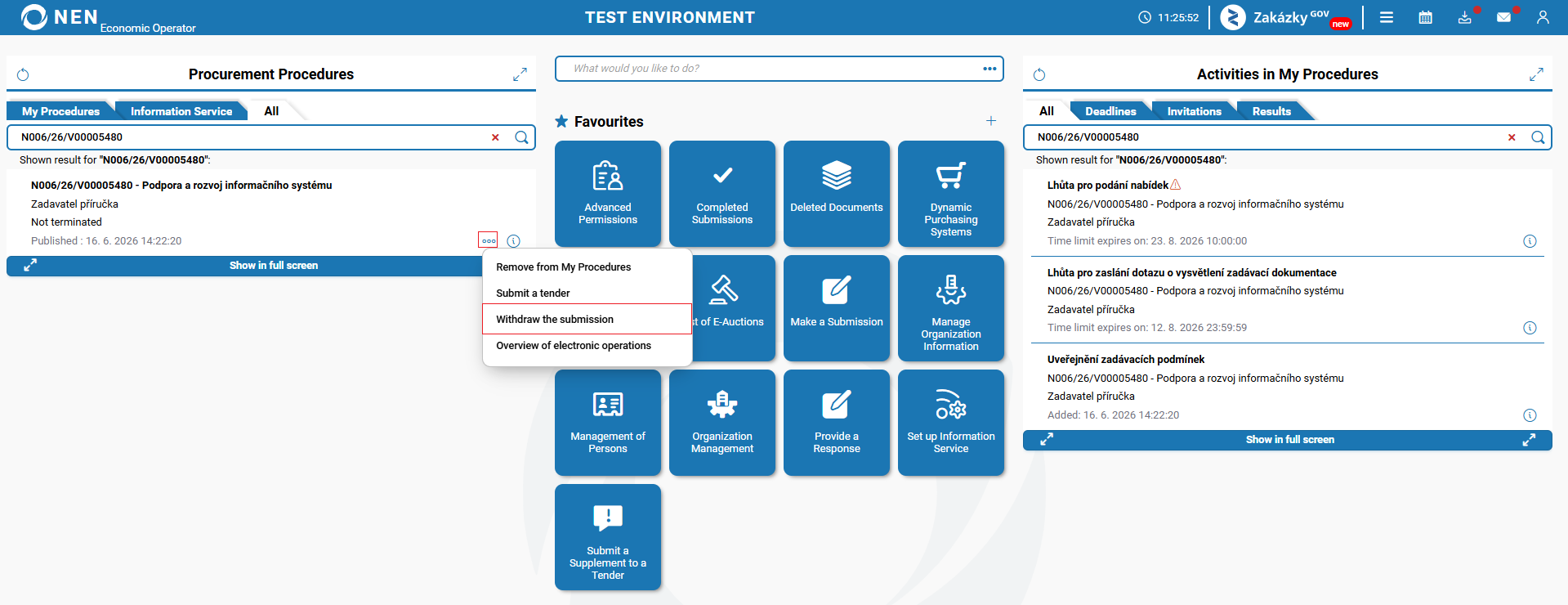
The "Withdraw the submission" button is accessible only if this action can be performed, i.e., until the deadline for submission expires.
After the submission withdrawal, structured data and uploaded files that can be downloaded will be displayed on this form. Subsequently, it is possible to repeat the submission within the submission deadline. From the original submission, you can "Create a copy of the submission", leaving all the information you filled in, including attached files. If you have modified any of the files, do not forget to delete the original file and replace it with a new one.
The process of submission of a tender, request to participate, etc., is identical.
When using the "Withdraw the submission" option for a submission made outside the NEN system, i.e. a submission made via the Zakázky GOV portal, an informational message will be displayed informing the user that such a submission cannot be withdrawn.