
The National Electronic Tool (NEN) is a free certified electronic tool for implementing all tasks related to public procurement, setting up of a dynamic purchasing system, and also applying a design contest.
It supports all types of the electronic awarding of public contracts, from mere record keeping of procurement procedures to fully electronic procurement procedures. Additionally, it supports planning activities, allowing for its use in long-term investment projects.
Public portal of the NEN system is accessible to all NEN System Users. Here you will find information about public procurements and contracting authorities profiles, as well as registers of contracting authorities/ suppliers, information about ongoing courses on the NEN system or the ZZVZ, news and information about the NEN system, and registration for the NEN system.
If you wish to register as an economic operator, clicking the registration option on the public portal of the NEN system will redirect you directly to the registration page of the NIPEZ portal at the NIPEZ Portal. The manual describing registration on the NIPEZ portal is available for download here.
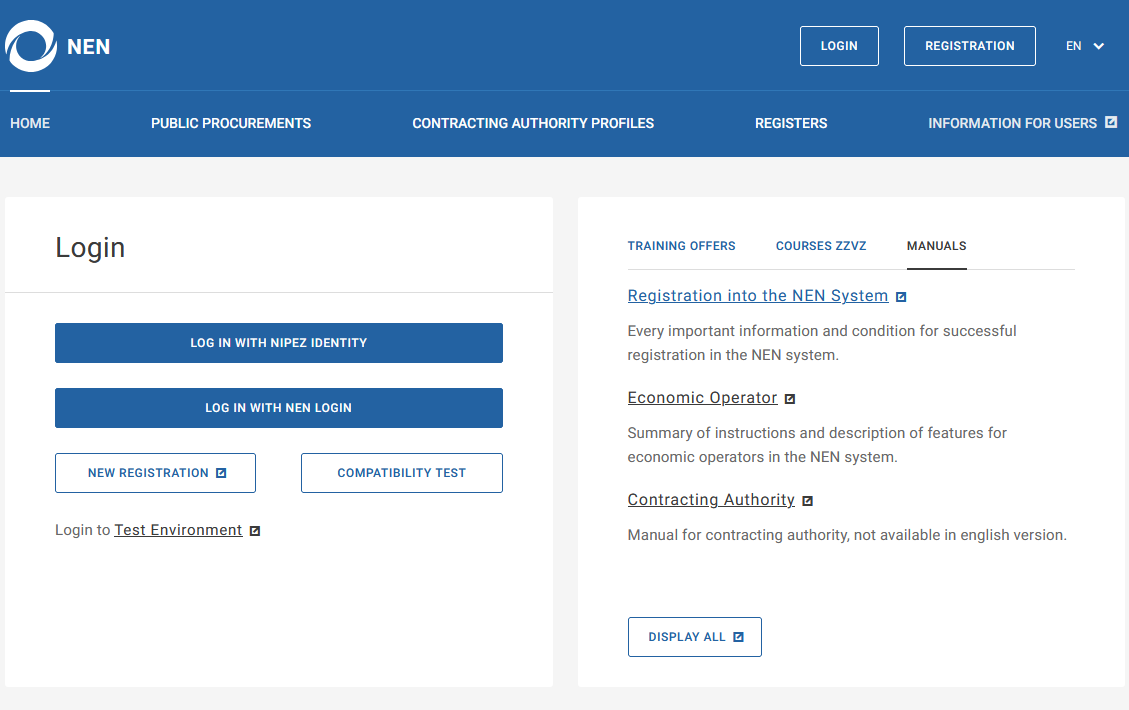
Options of individual tabs
Home
Home
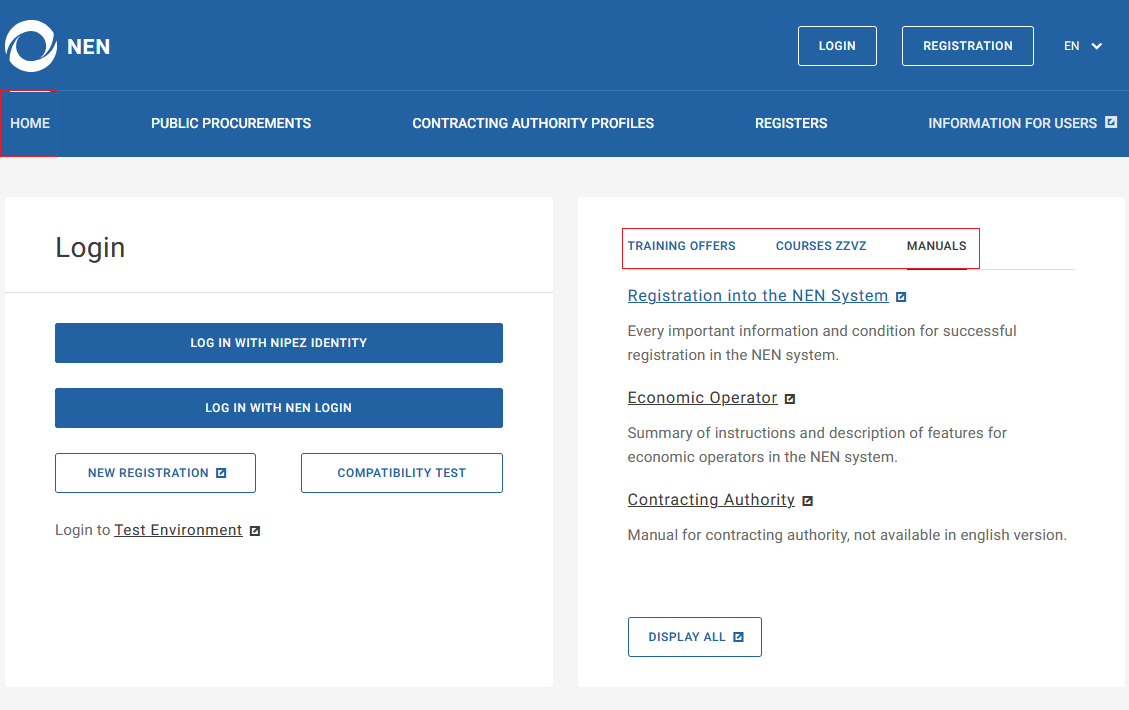
In the upper part of the screen, you will find a section with Login, as well as information about "Courses NEN", "Courses ZZVZ", and "Manuals" (knowledge bases describing individual processes of the NEN system).
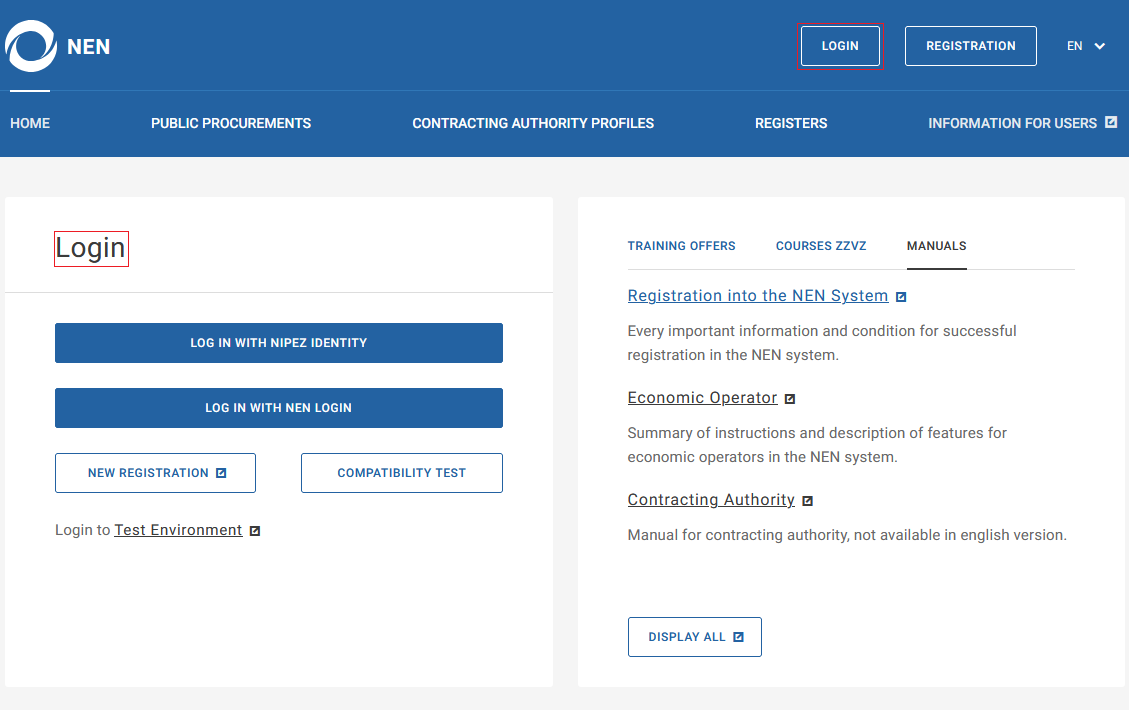
The "The "Login" section is located on the left side of the screen. Logging into the NEN system is also possible using the "Login" button in the top right corner of the screen. You can log in provided that you have successfully performed the registration of the entity.
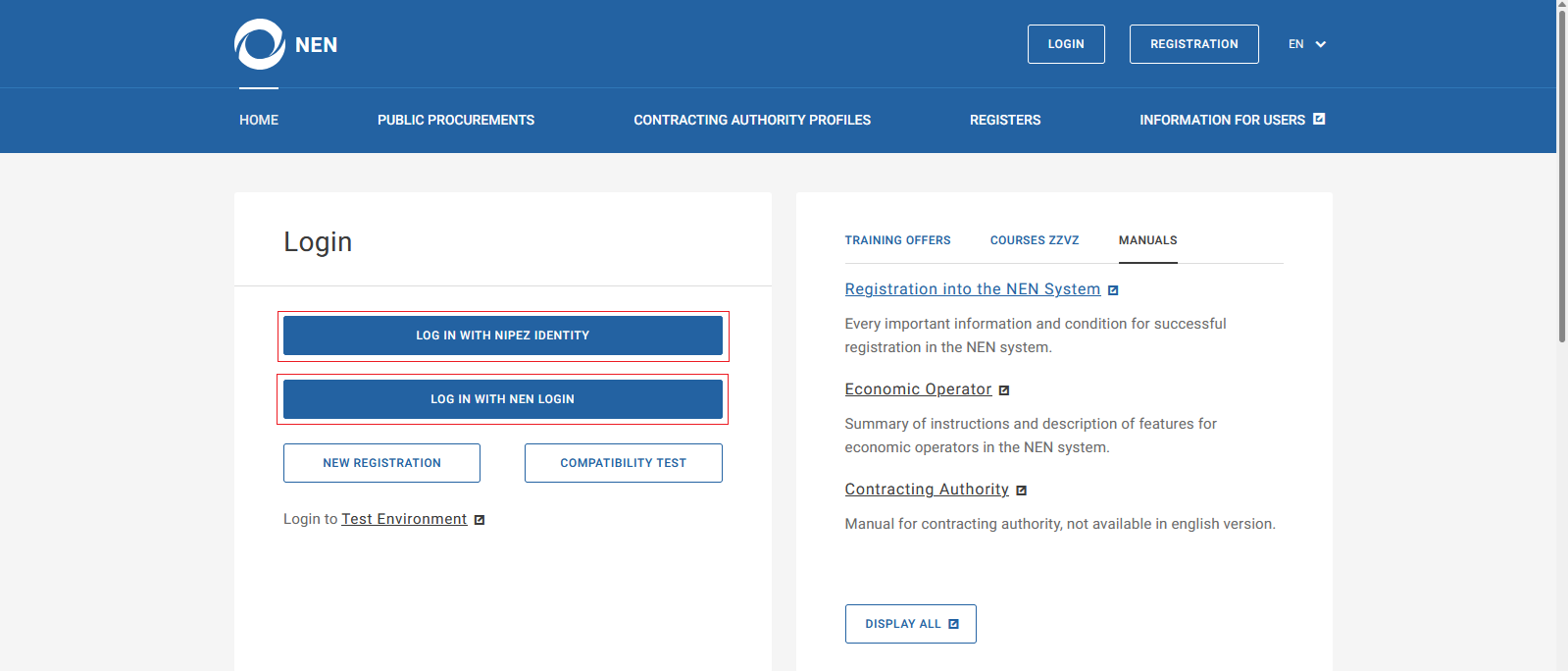
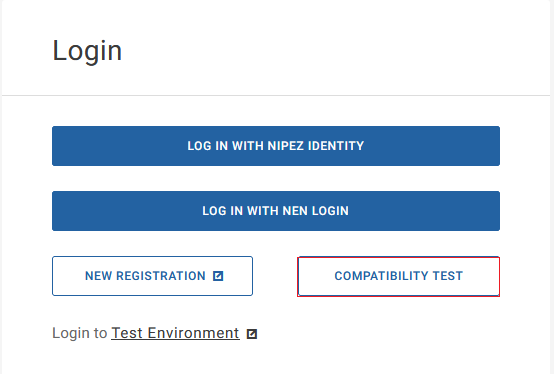
A NEN System User can log in either using the NIPEZ Identity (the “Log In With NIPEZ Identity” option) or using a username and password (the “Log In With NEN Login” option). After selecting “Log In With NIPEZ Identity”, the user is redirected to the NIPEZ portal, where authentication takes place, followed by redirection to the authorized section of the NEN system. After selecting “Log In With NEN Login”, the user is redirected to the existing NEN login page (https://nen.nipez.cz/prihlaseni).
If you have multiple entities registered under your name with different entity types, these entities will be displayed and you will be able to choose on behalf of which entity you wish to log in to the NEN system.
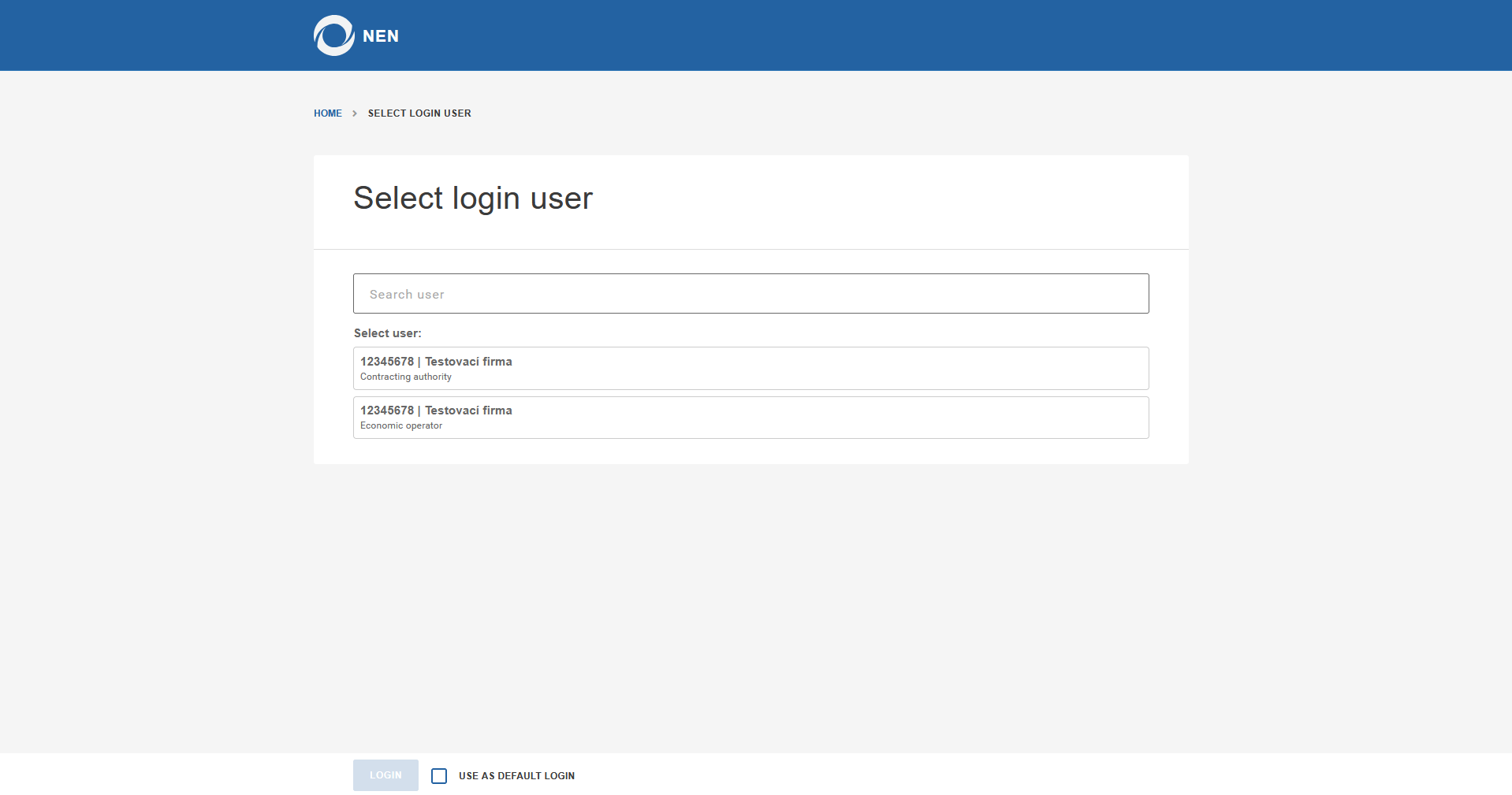
When selecting an entity for login, you can select the “Use As Default Login” option. If you select this option and then log in to an entity, the selected entity will be automatically chosen during the next login via the NIPEZ Identity, and the entity selection window will be skipped.
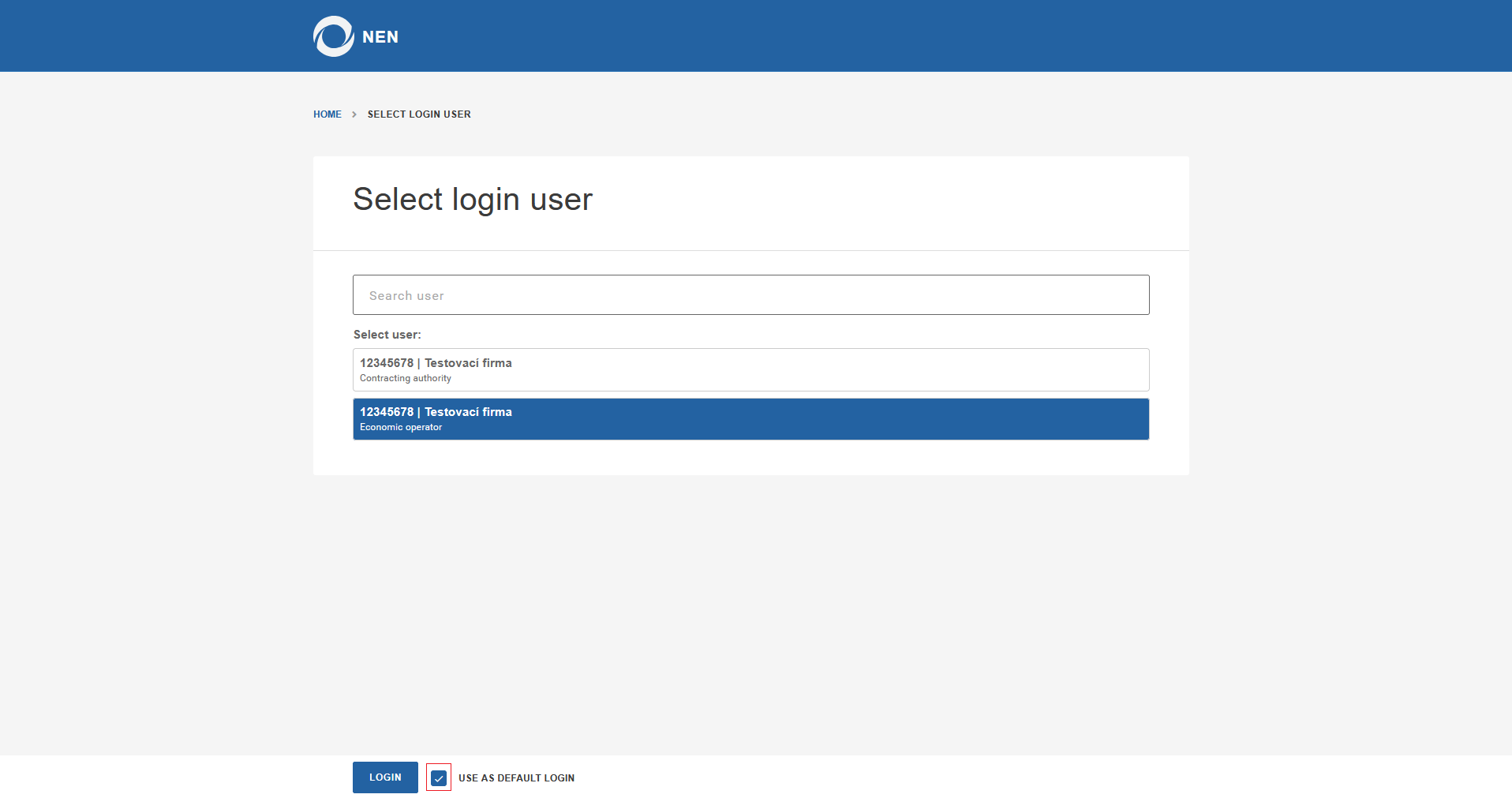
If you wish to act on behalf of a different entity at a given time, you can select it after automatic login using the “Change of entity” button in the user settings menu. If a different entity is selected, automatic login to the originally selected entity will be deactivated and the feature will need to be activated again.
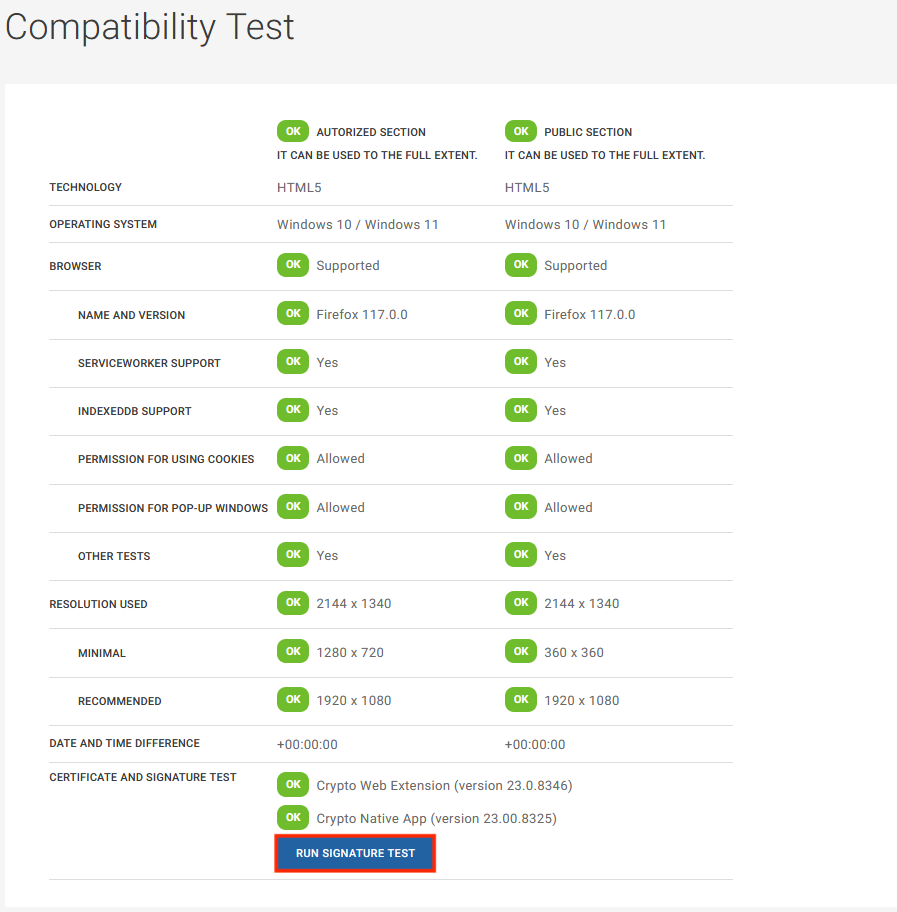
In case of technical complications after logging in, we recommend performing a compatibility test, which will display information about whether your device meets the requirements for working in the NEN system. Additionally, in the compatibility test, you can try inserting an electronic signature.
If, as a NEN System User, you already have a NIPEZ Identity assigned and attempt to log in to the NEN system using a username and password (a NEN system account), the following informational message will be displayed: “This account does not have the selected login method enabled. Select Log in with NIPEZ identity.” Logging in to the NEN system will therefore only be possible using the NIPEZ Identity.
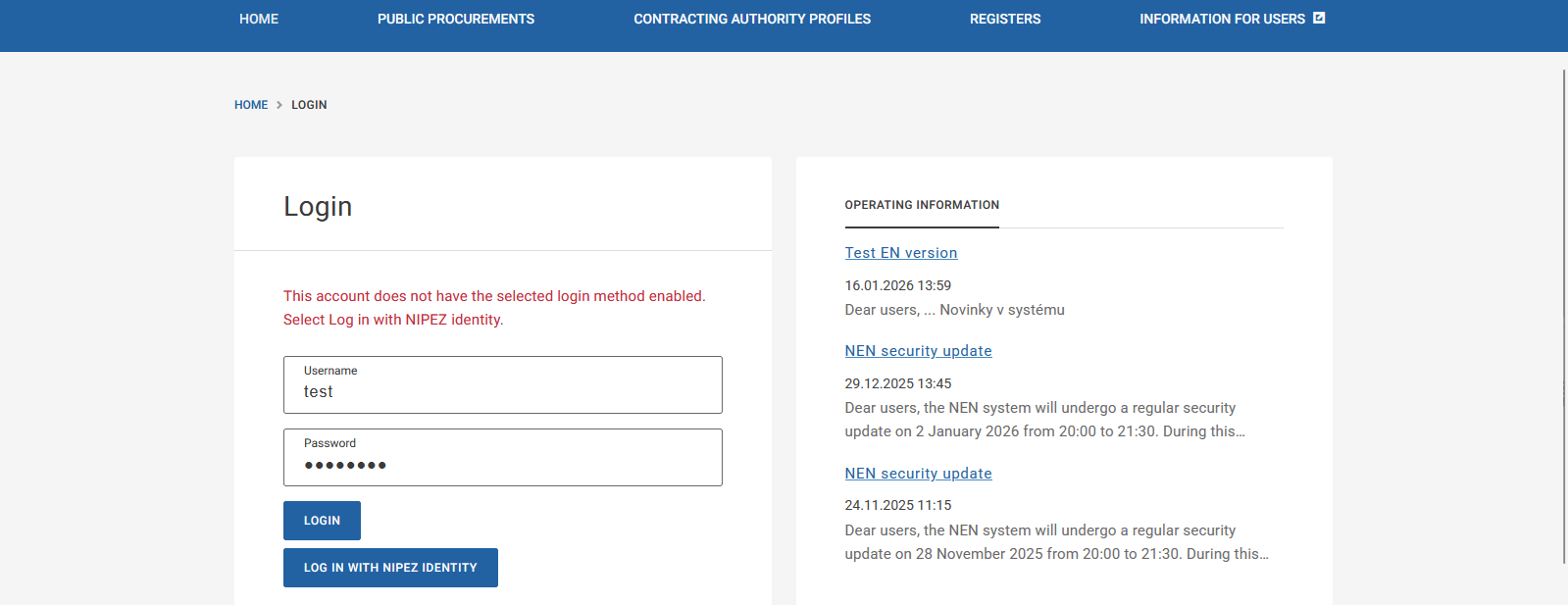
If a user attempts to log in using the NIPEZ Identity but does not have any person linked to that identity in the NEN system, the following message will be displayed during the login attempt:
“The NIPEZ identity you have just logged in with does not have access to NEN. If you have access to a user account in NEN (username and password), please log in at https://nen.nipez.cz/prihlaseni and follow the instructions after logging in. If you do not have such an account, please contact your organization's administrator.”
If you are interested in "News and Information" about individual services of the NEN system, you will find all activities (e.g., scheduled update dates, important changes in the NEN system, etc.) in the operational information located below the login.
If you want to be informed about current news and changes in the NEN system, it is necessary to enter your email address in the respective box and then confirm by selecting "Submit".
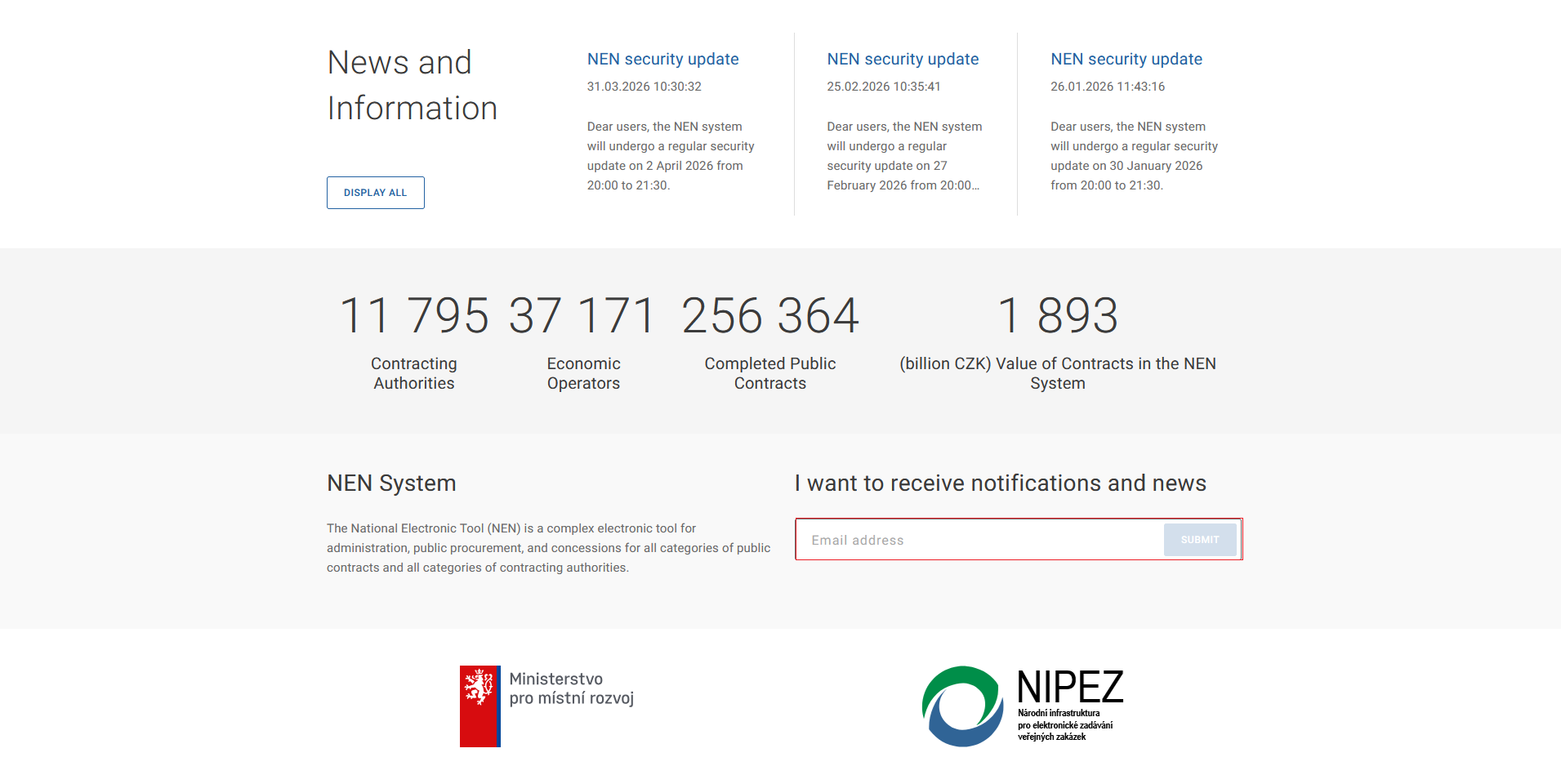
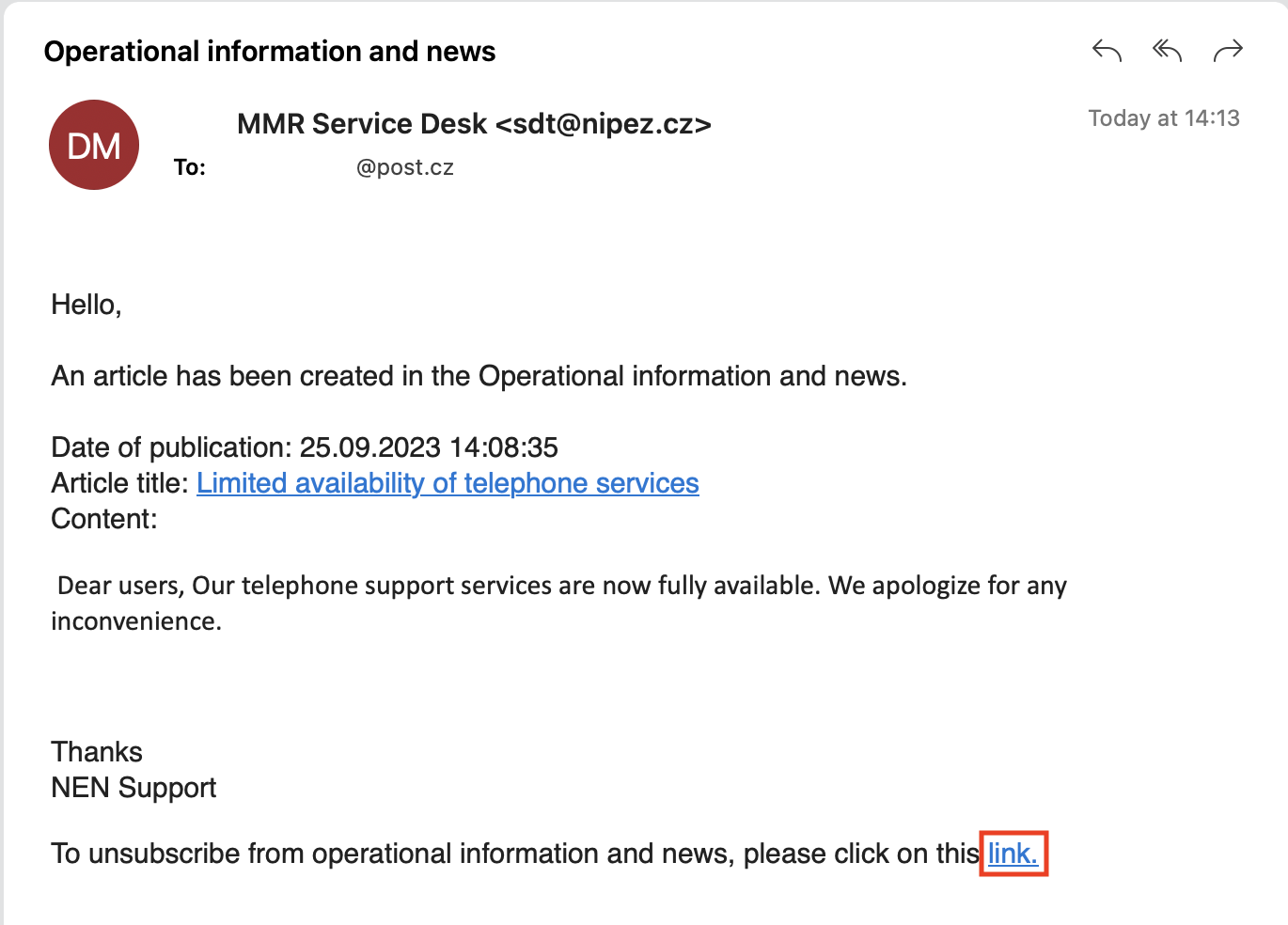
You can unsubscribe from newsletters using the link in any received email containing news.
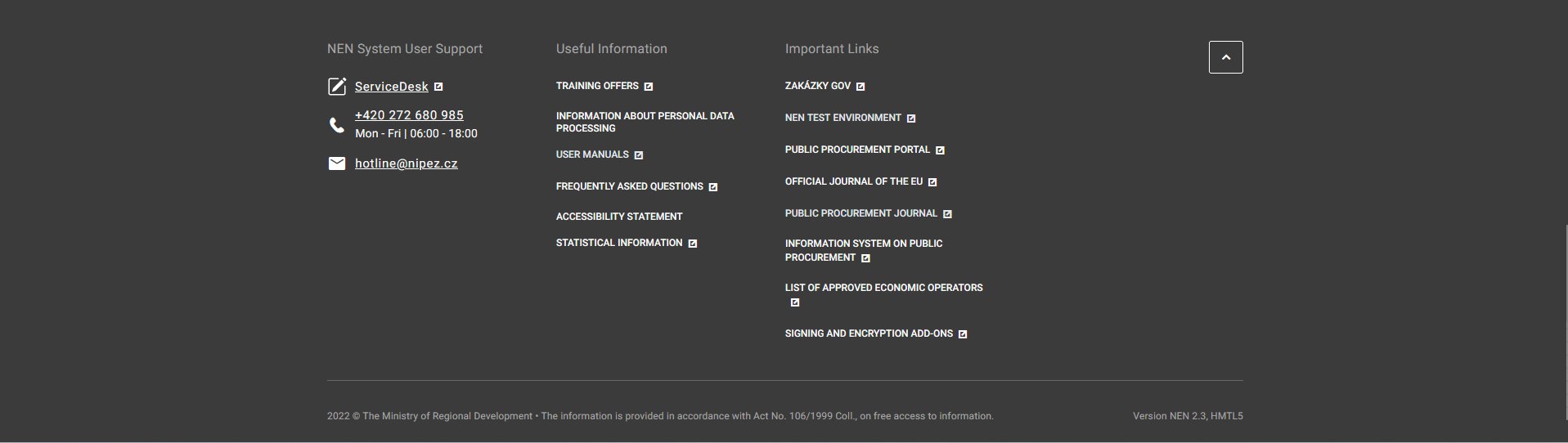
There are contacts for the NEN System User Support, useful information, and also important links in the footer of the screen.
Public Procurements
Public Procurements
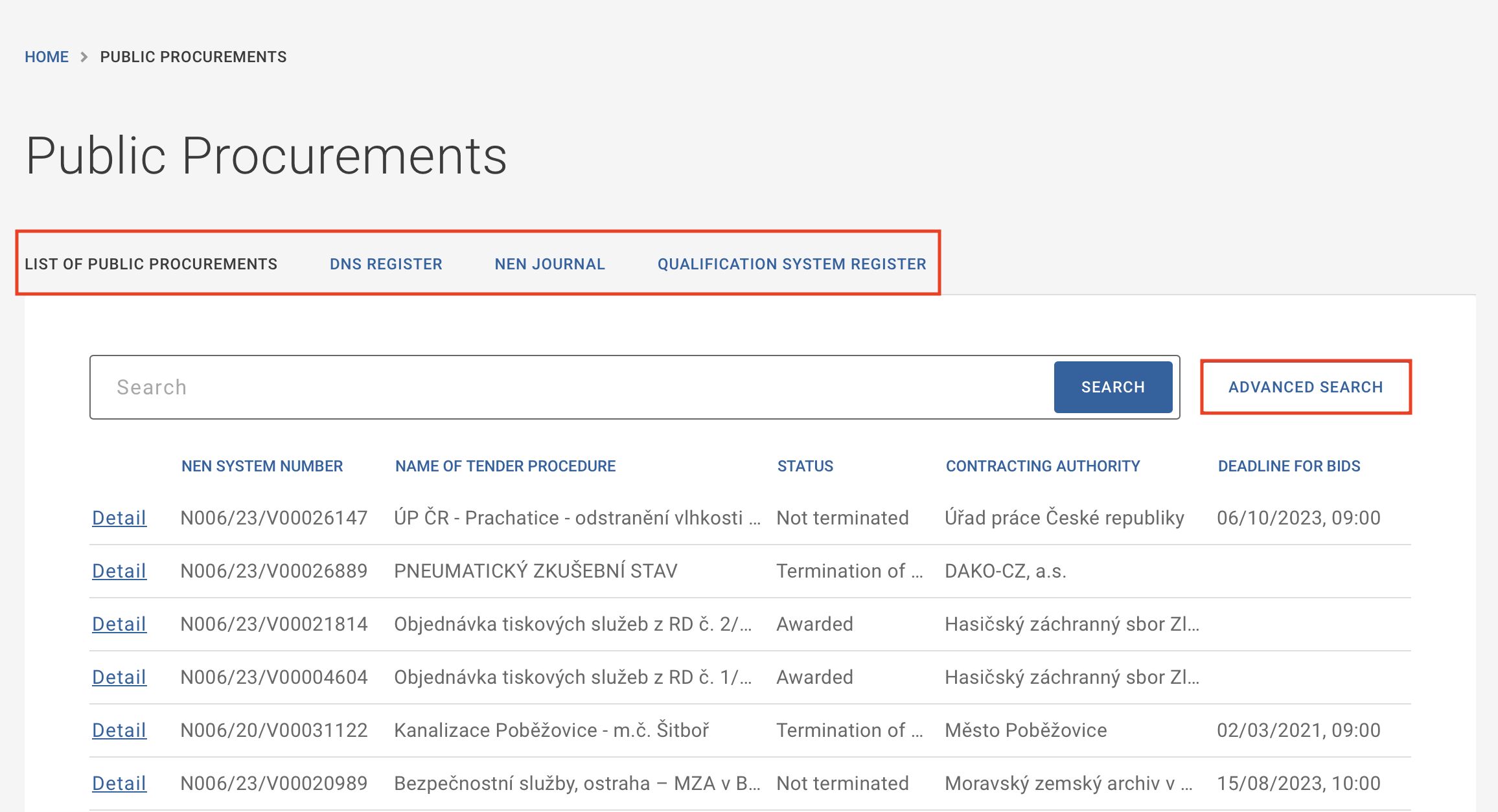
In the Public Procurements section, there is a menu directing to the list of public procurements, the DPS register, the NEN System Journal (information about individual publications related to awarded public contracts), and qualification systems.
Using the "Advanced search" button, it is possible to search for procurement procedures based on multiple parameters such as a type of public contract, type of procurement procedure, current status, and more.
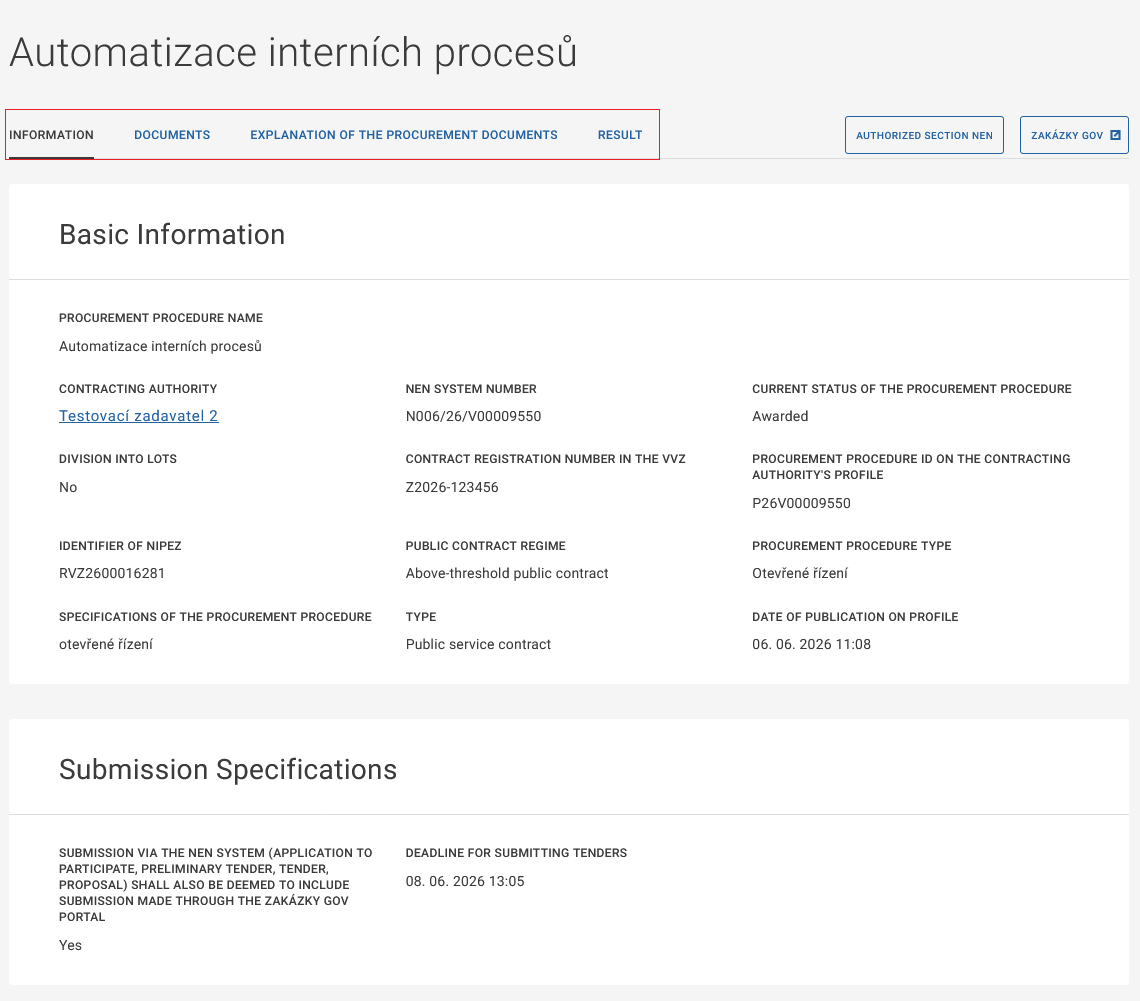
In the details of a specific procurement procedure, basic information about it is displayed, along with published documents or information categorized in tabs labeled "Documents", "Explanation of the tender documentation", and "Result".
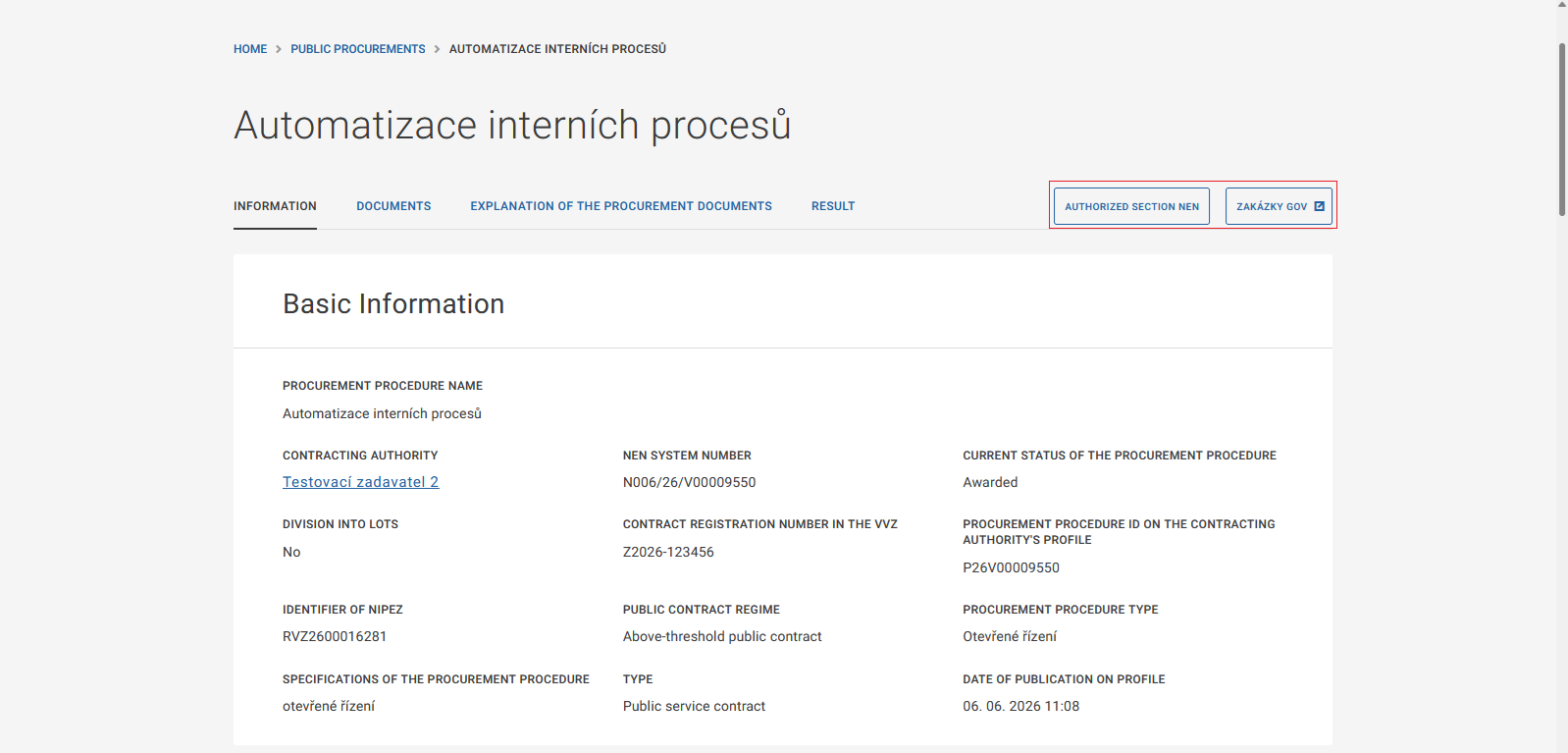
After clicking the "Authorized Section NEN" button, the NEN system will prompt you to log in, after which the procurement procedure detail will be displayed directly. By clicking the "Zakázky GOV" button, you will be redirected to the Zakázky GOV portal, where detailed information about the procurement procedure will be displayed.
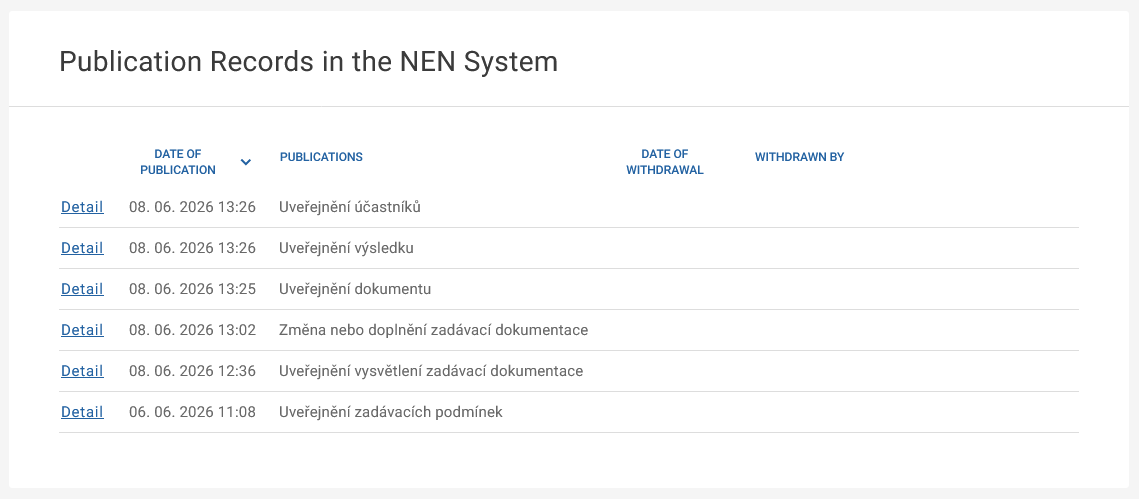
At the bottom of the screen, there is a section titled "Record of publications in the NEN". A list of all publications made by the contracting authority in the procurement procedure is displayed here.
Contracting Authorities Profiles
Contracting Authorities Profiles
In the Contracting Authorities Profiles section, a list of contracting authorities profiles established in the NEN system pursuant to Section 214 of the Act No. 134/2016 Coll., on Public Procurement, as subsequently amended, is displayed.
The NEN system meets all the conditions specified for a contracting authority profile in the Decree No. 345/2023 Coll., on publication of forms for the purpose of Public Procurement Act and on profile requirements of contracting authority.
The contracting authority profile is not created automatically after registration approval in the NEN system. It is necessary to create such a profile after logging in, through the option "Nastavit profil zadavatele", and then notify by submitting the form OP in the VVZ. The contracting authority profile must be used for public contracts under the regime of the law and for public contracts exceeding an estimated value of 1 000,000 CZK.
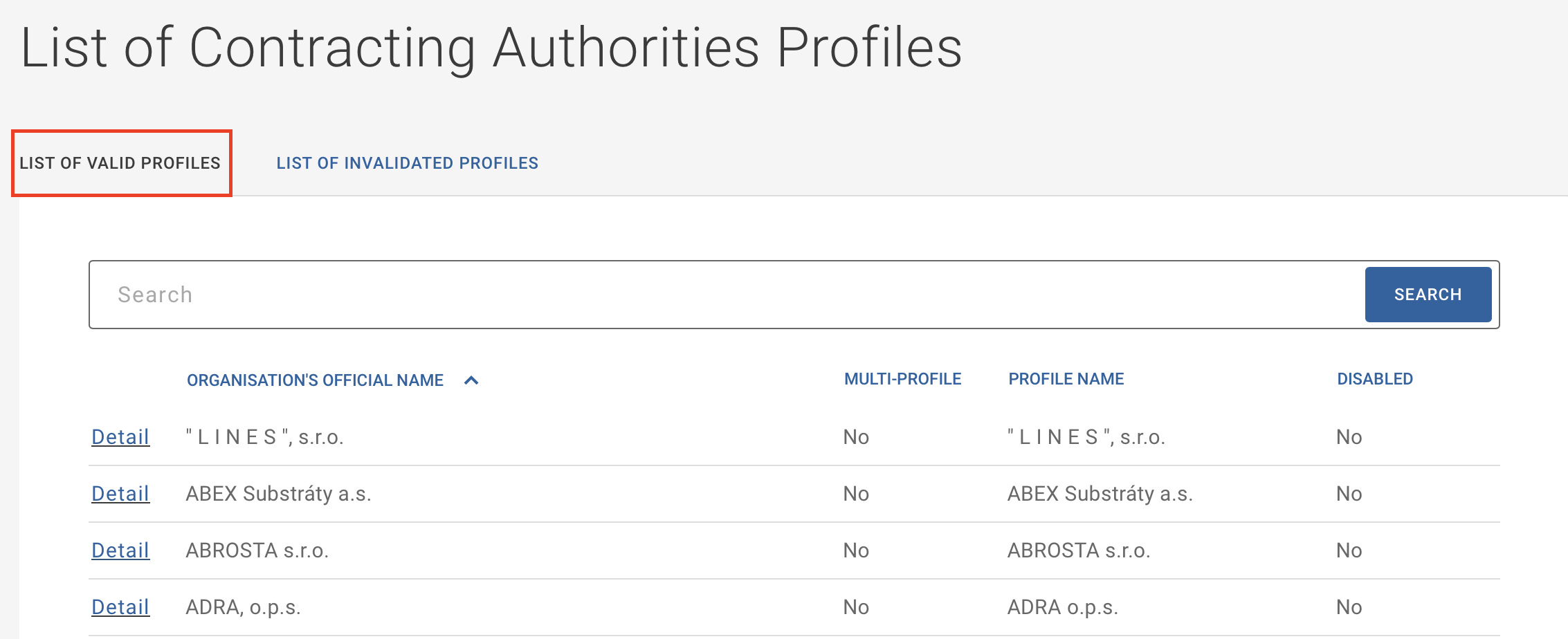
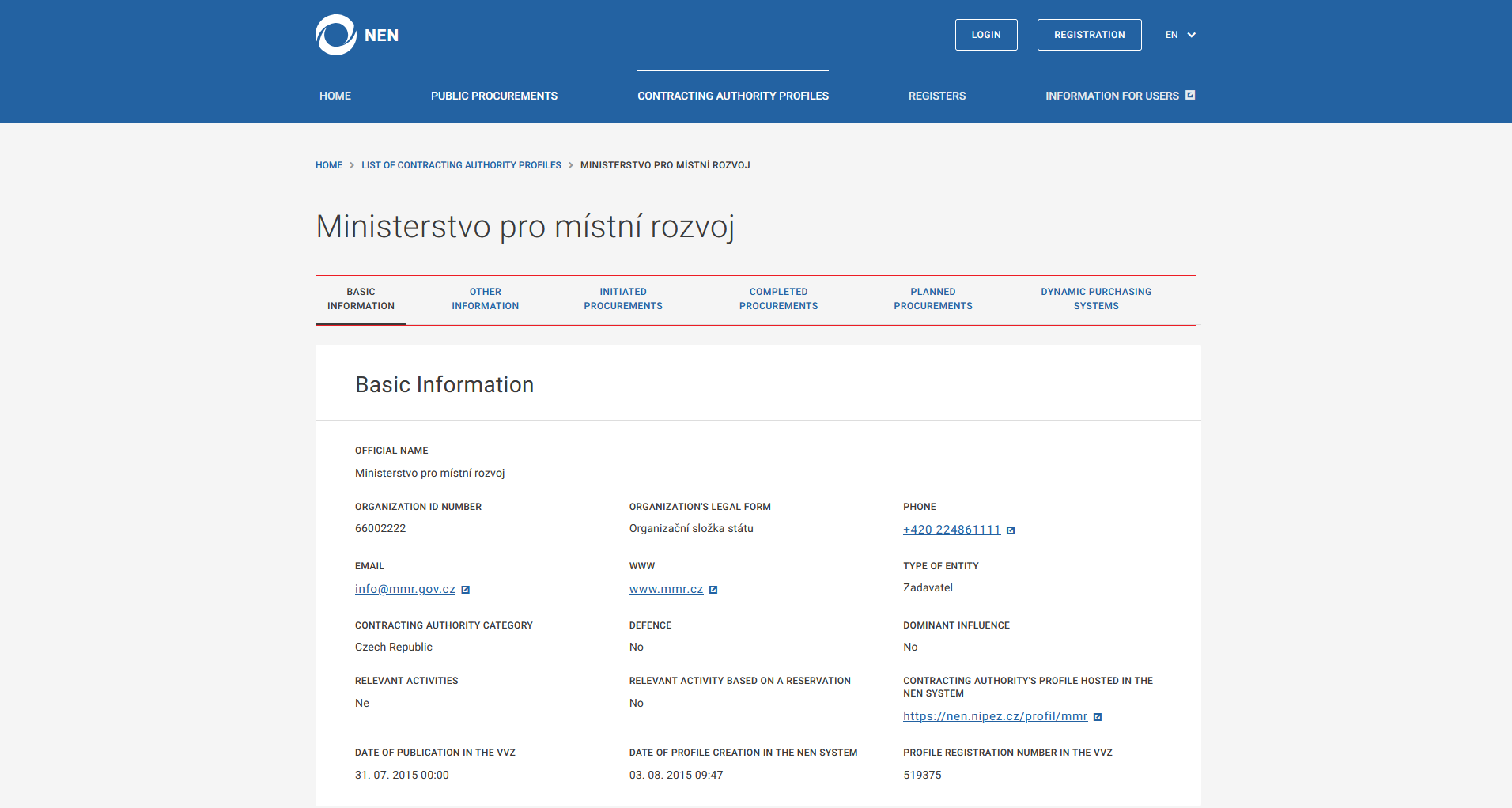
When clicking on a specific contracting authority profile, basic information about the contracting authority is displayed. In further details, you will find the contact persons of the respective contracting authority, as well as information about procurement procedures, which are categorized by the status of the procurement procedure.
Registers
Registers
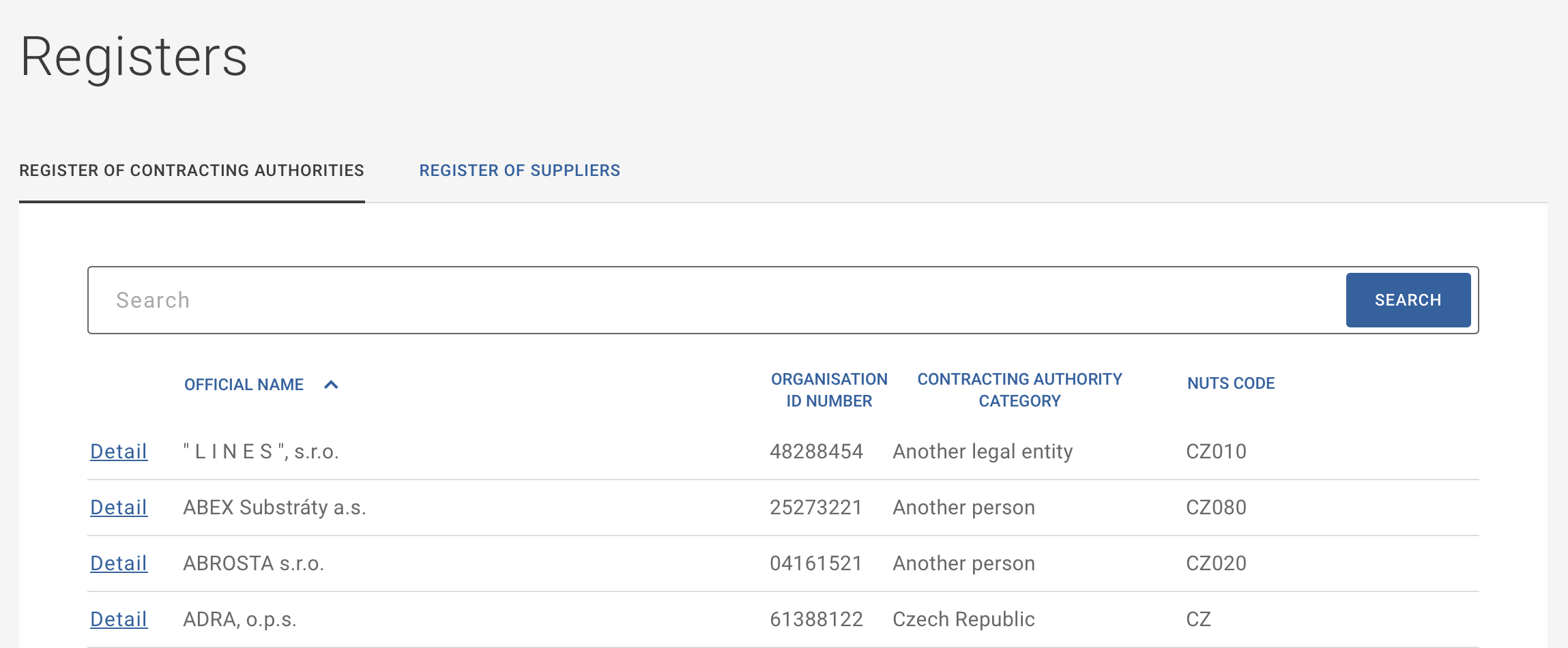
The Registers section consists of the register of contracting authorities and the register of suppliers registered in the NEN system. Both registers enable displaying basic information about registered entities.
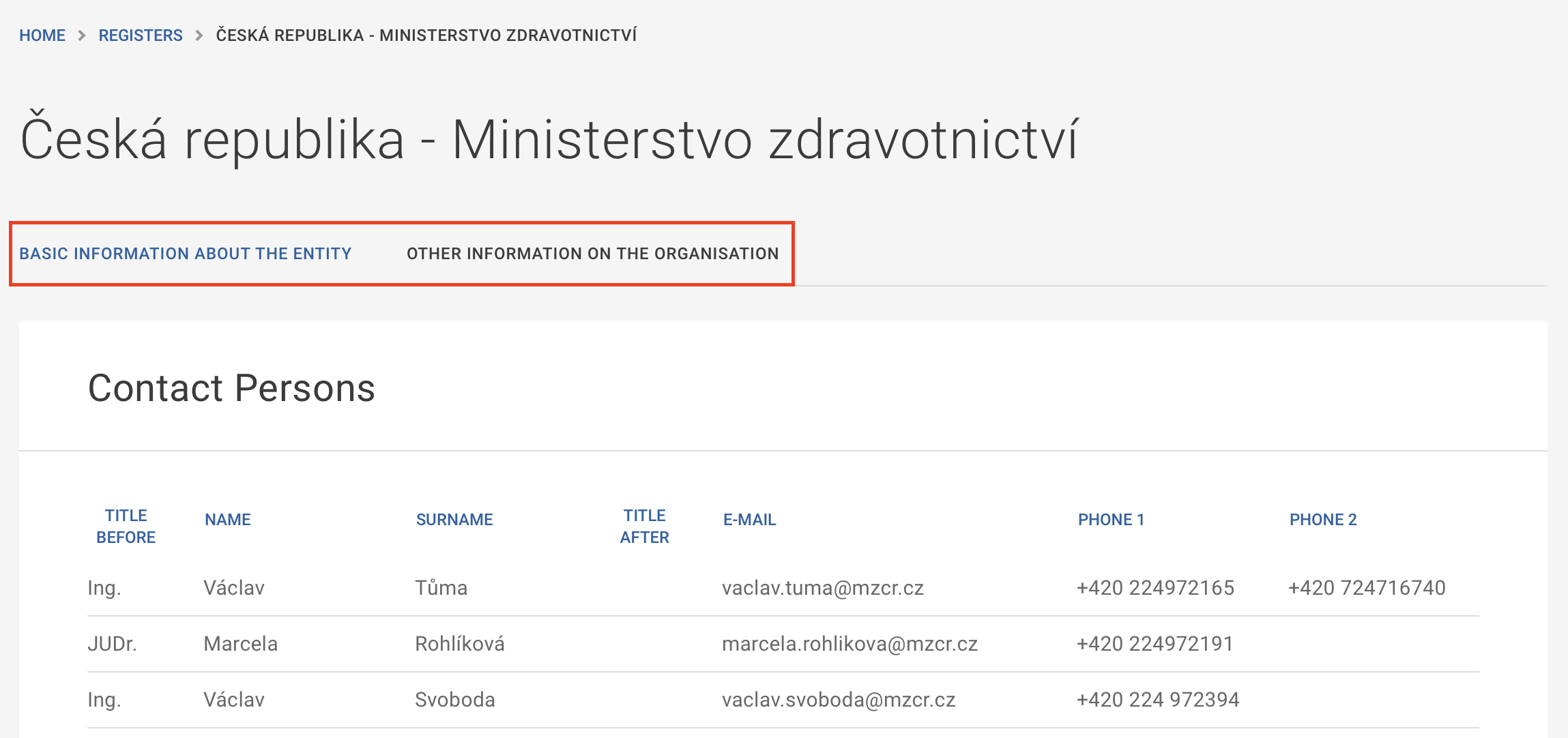
After clicking on the details of a specific entity, basic information about the organization is displayed, providing an overview of information about the entity. Additionally, there is further information about the organization, including a list of contact persons and their contact details.
In the Register of Suppliers, you can use the "Advanced search" button to further search for suppliers based on multiple parameters, such as the code from the NIPEZ code list, NUTS code, legal form, and more.
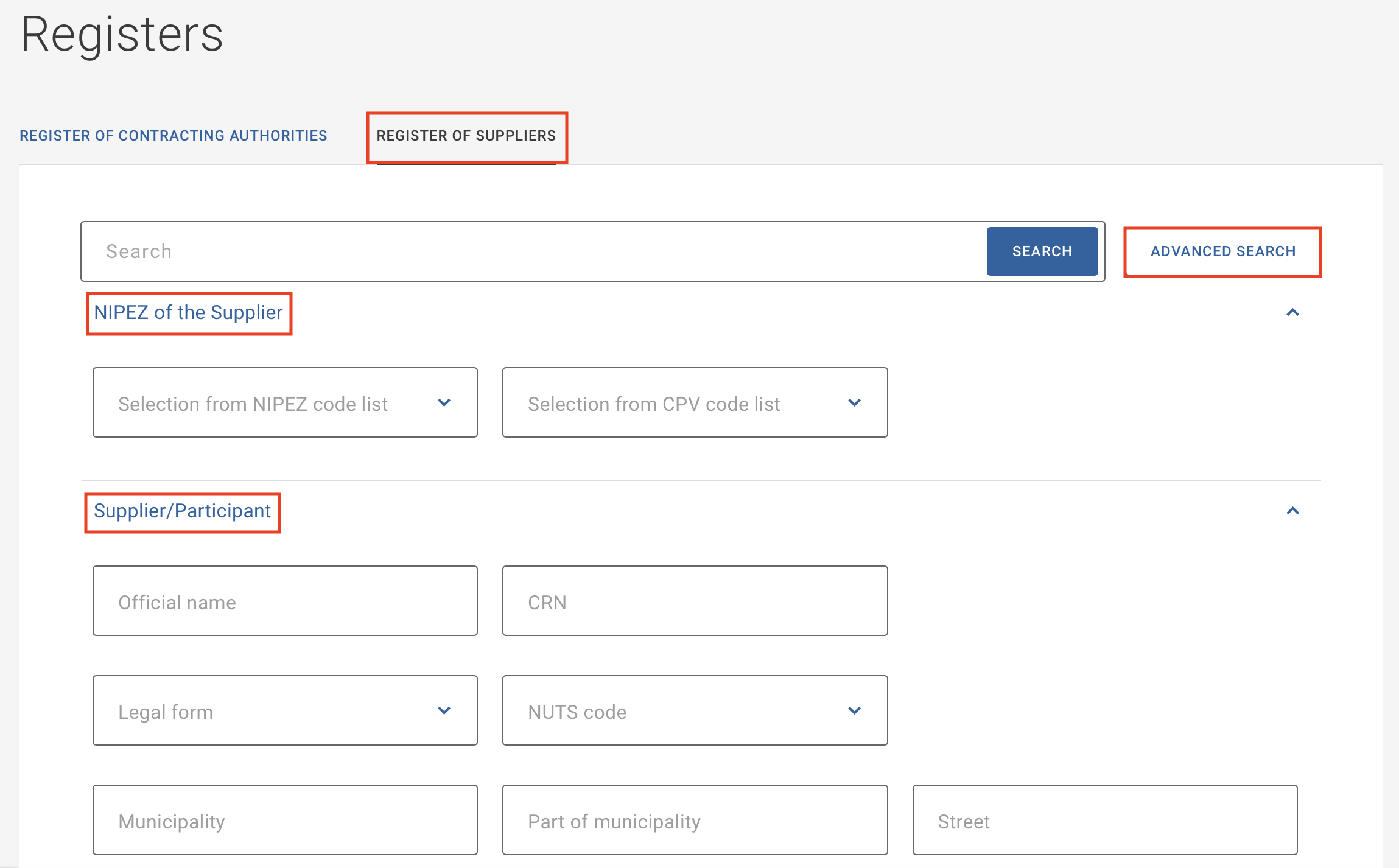
Each registered organization can adjust the visibility of their data directly in the NEN system.
Information for Users
Information for Users
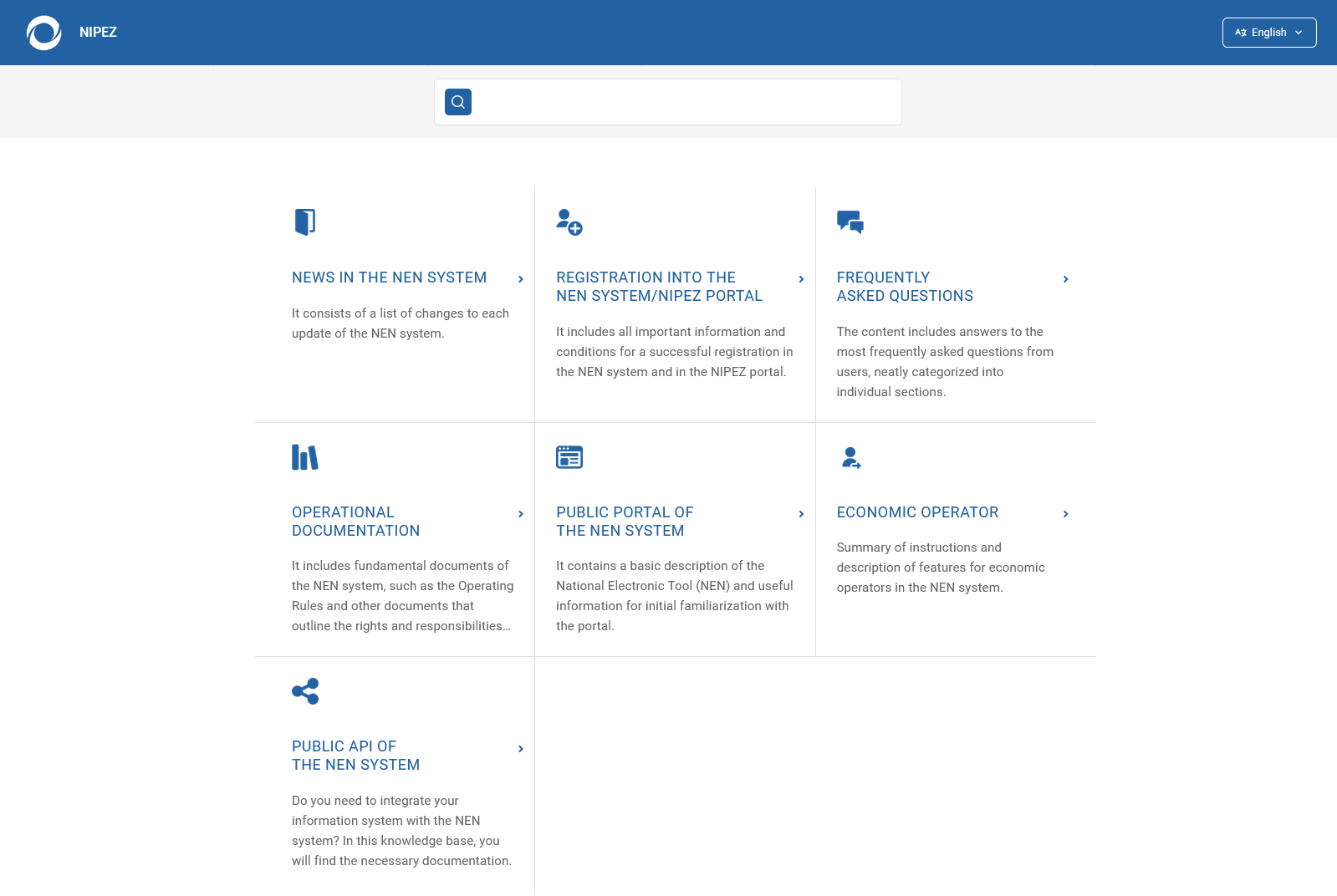
In the Information for Users section, there is useful information for you to be found, such as the Operational Documentation, Frequently Asked Questions or manuals on working in the NEN system.
NEN System User Support
🕧 6:00 a.m. - 6:00 p.m. on working days
📋 ServiceDesk
☎️ +420 272 680 985
📧 hotline@nipez.cz