Adding the sender's organisation ID number (IČO) to messages under the economic operator
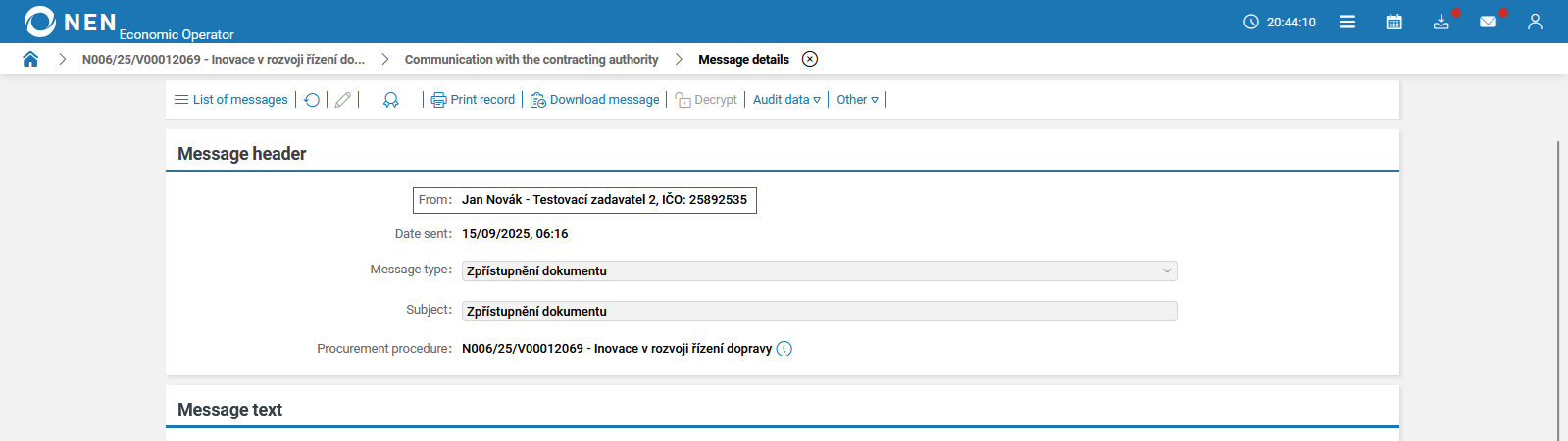
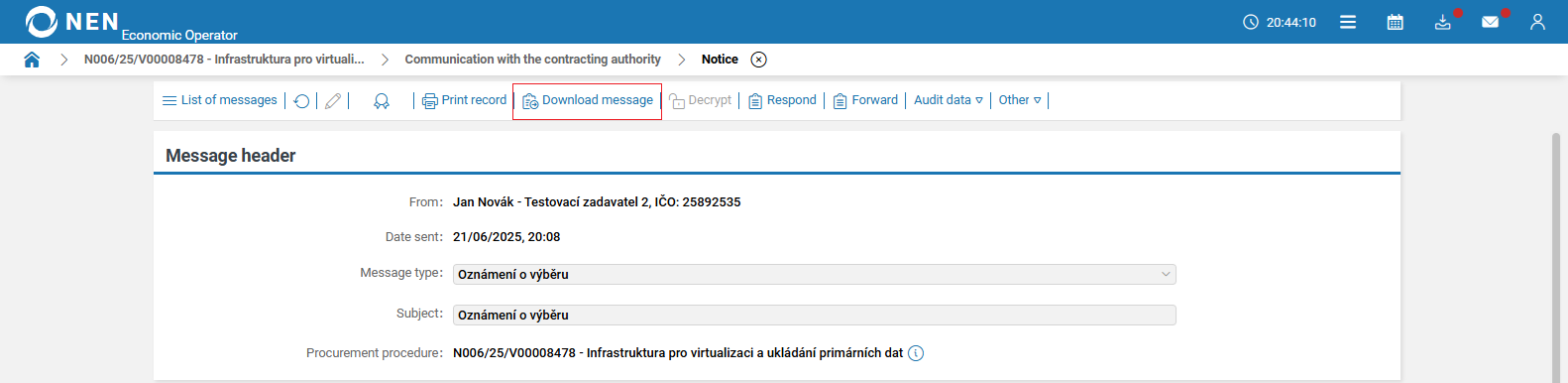
The benefit of this change request is to extend the message header by adding the sender’s organisation ID number (IČO).
In the “Message header” section, the sender’s organisation ID number (IČO) will be added for better identification of the entity.
Sending a notification upon assignment of an entity's administrator under the economic operator
The purpose of this change request is to inform the entity’s administrator about the assignment and removal of access rights.
If a user in the NEN system is assigned the role of entity’s administrator or organizational department’s administrator, the NEN system will automatically send a notification about the role assignment along with a link to the relevant methodology.
Option to export an internal message under the economic operator
The benefit of this change request is that a NEN System User will be able, by pressing a single button, to generate a file containing the complete internal message for the purposes of archiving, convenient downloading, etc.
The NEN System User will be able to generate a ZIP file containing a new print output in PDF format and all attachments to the given internal message, if any are attached.
The new print output will contain all information and follow a structure corresponding to the internal message details. The print output is structured as follows:
-
Message header contains basic information about the internal message:
-
sent,
-
signed,
-
sender,
-
subject,
-
recipients,
-
procurement procedure/dynamic purchasing system/centralised procurement/collection of requirements,
-
type of action,
-
whether the message was encrypted.
-
-
Attachments – a table containing a list of individual attachments:
-
file name,
-
antivirus scan status,
-
date added,
-
number of attachments.
-
-
Message text.
-
Supplementary data:
-
sender’s file reference number – at the time of sending,
-
sender’s reference number – at the time of sending,
-
sender’s file reference number – editable,
-
sender’s reference number – editable,
-
recipient’s file reference number – sender’s records,
-
recipient’s reference number – sender’s records.
-
All sections and individual items are printed in the print output only if they are filled in in the message. Sections that do not contain any attributes are not included in the print output at all.
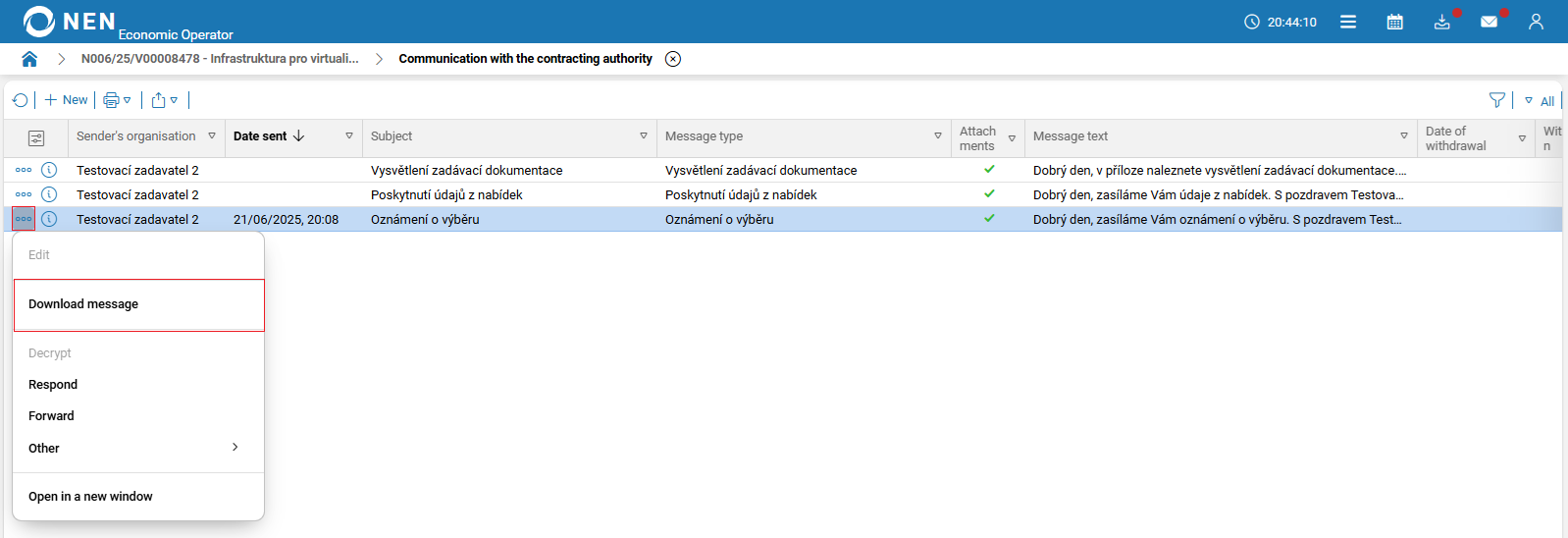
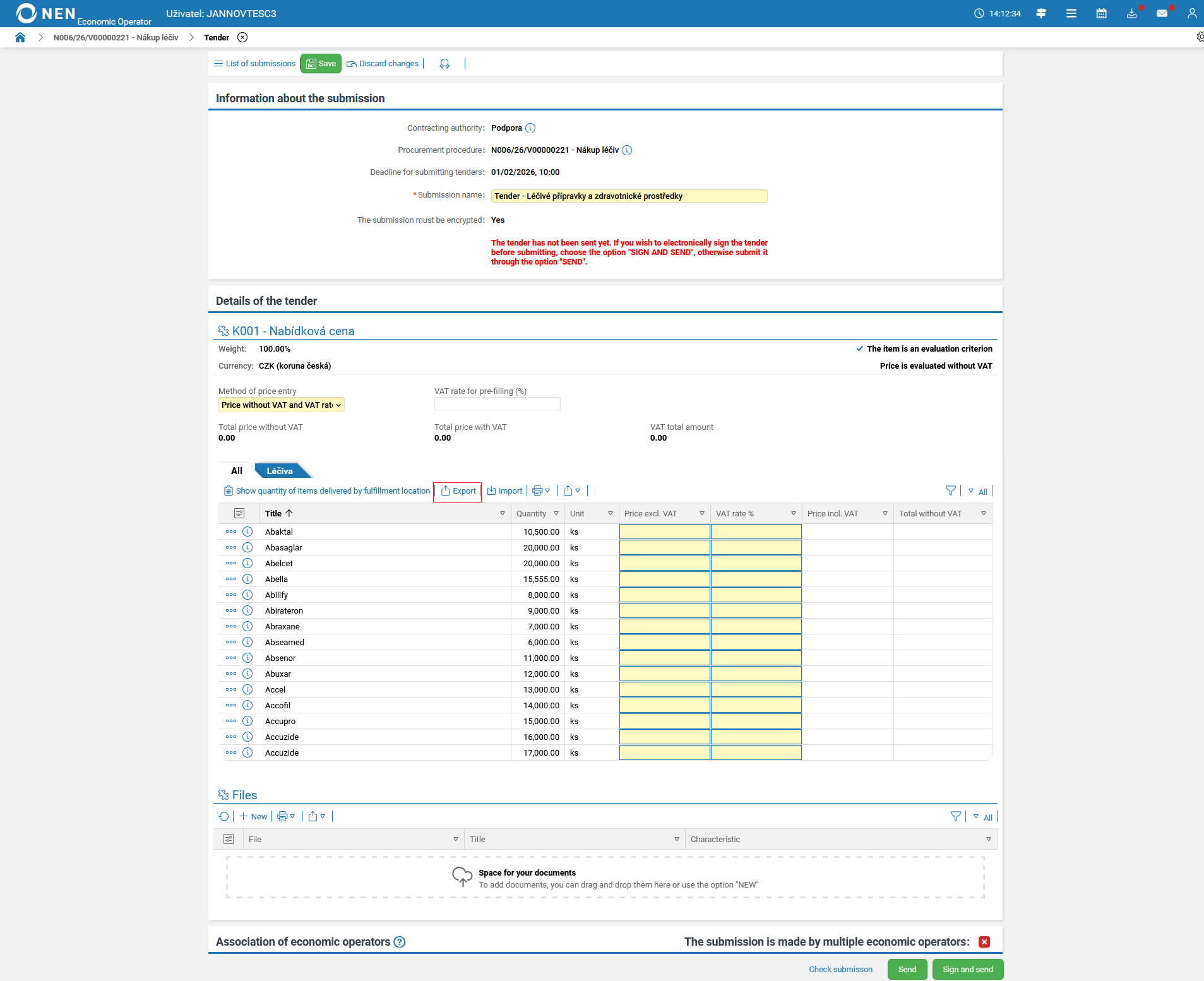
The option to download an internal message is available from the detail view of each internal message and also via the “three dots” icon on the message record in the “Communication” form.
Display of billing and delivery details
The benefit of this change request is to provide the economic operator with billing and delivery details in order to facilitate easier fulfillment of the requested items.
If the public contract was created with a linked requirements collection in which billing and delivery details were completed, these details can be viewed by the economic operator in the tender detail via the “Completed Submissions” tile. The information can be viewed once the tender has been opened by the contracting authority.
Compared to the tender form with subject-matter items, the overview newly allows the following information to be identified:
-
required quantity per delivery and billing address,
-
total price of all items of the contracting authority by delivery and billing address, including VAT,
-
total price of all items for the contracting authority, including VAT,
-
delivery address,
-
billing address,
-
contact details.
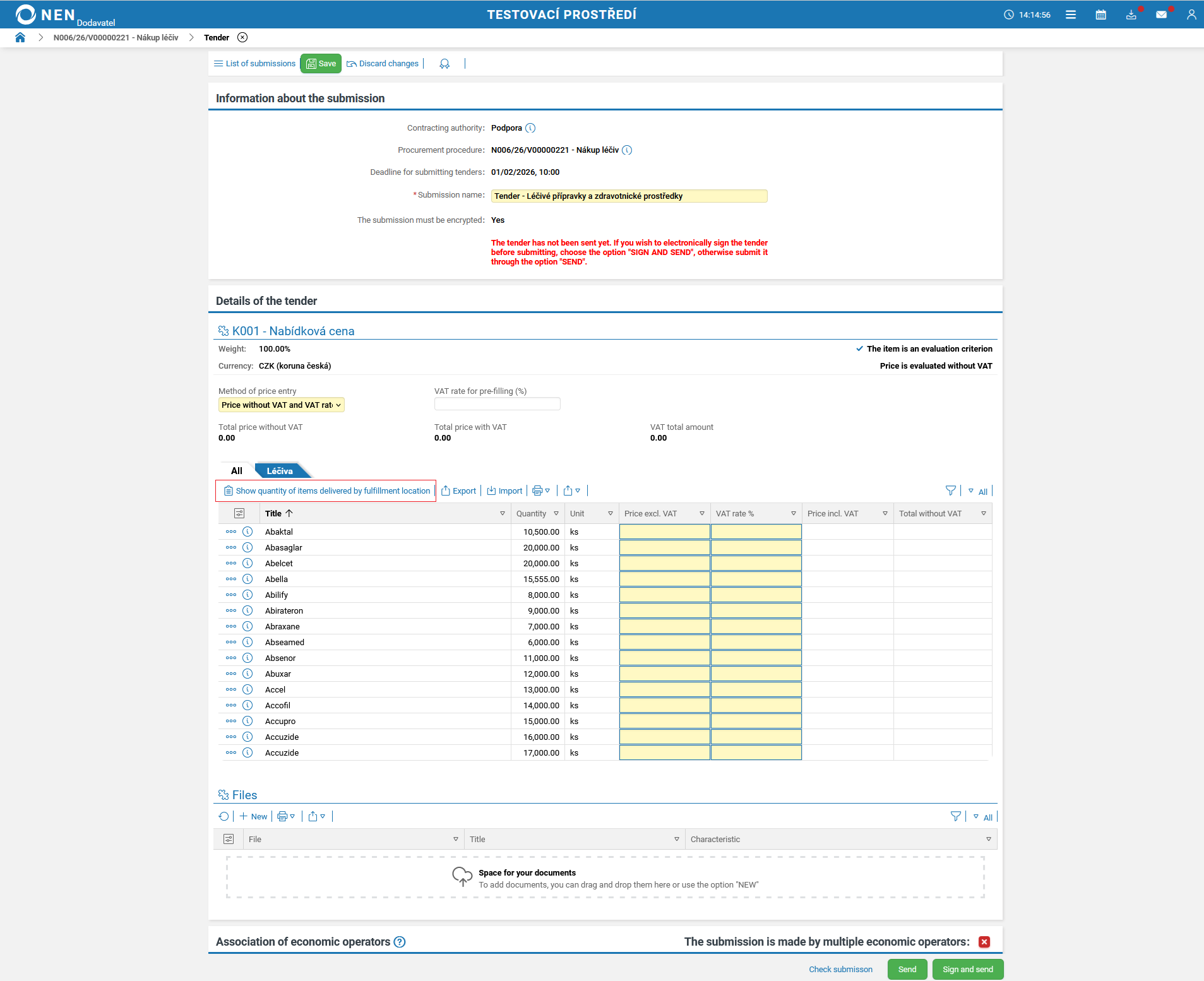
If the list of items is exported to Excel, the item code will be listed as the first field in the exported file.
Publication of the justification for the selection of economic operators
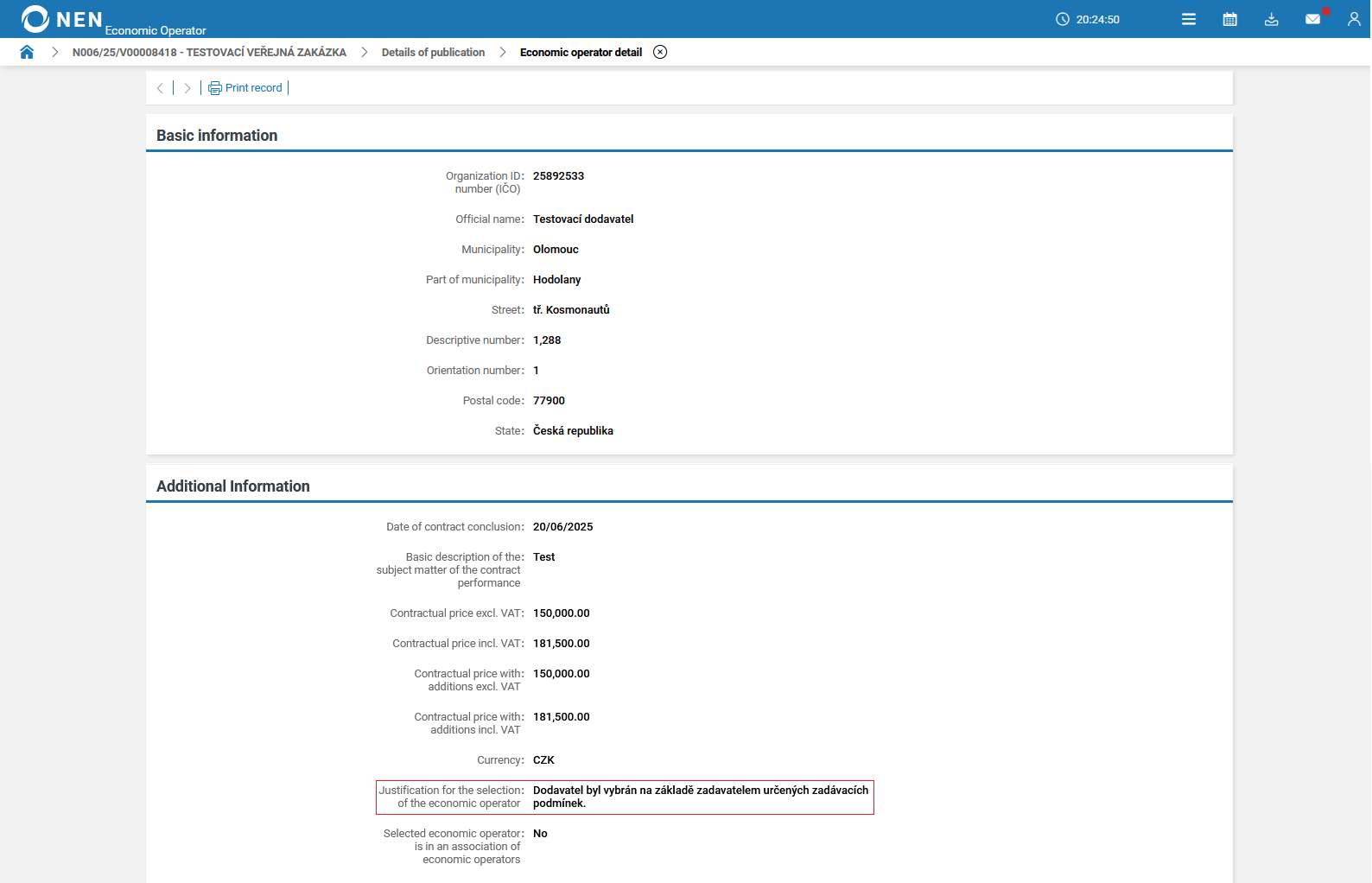
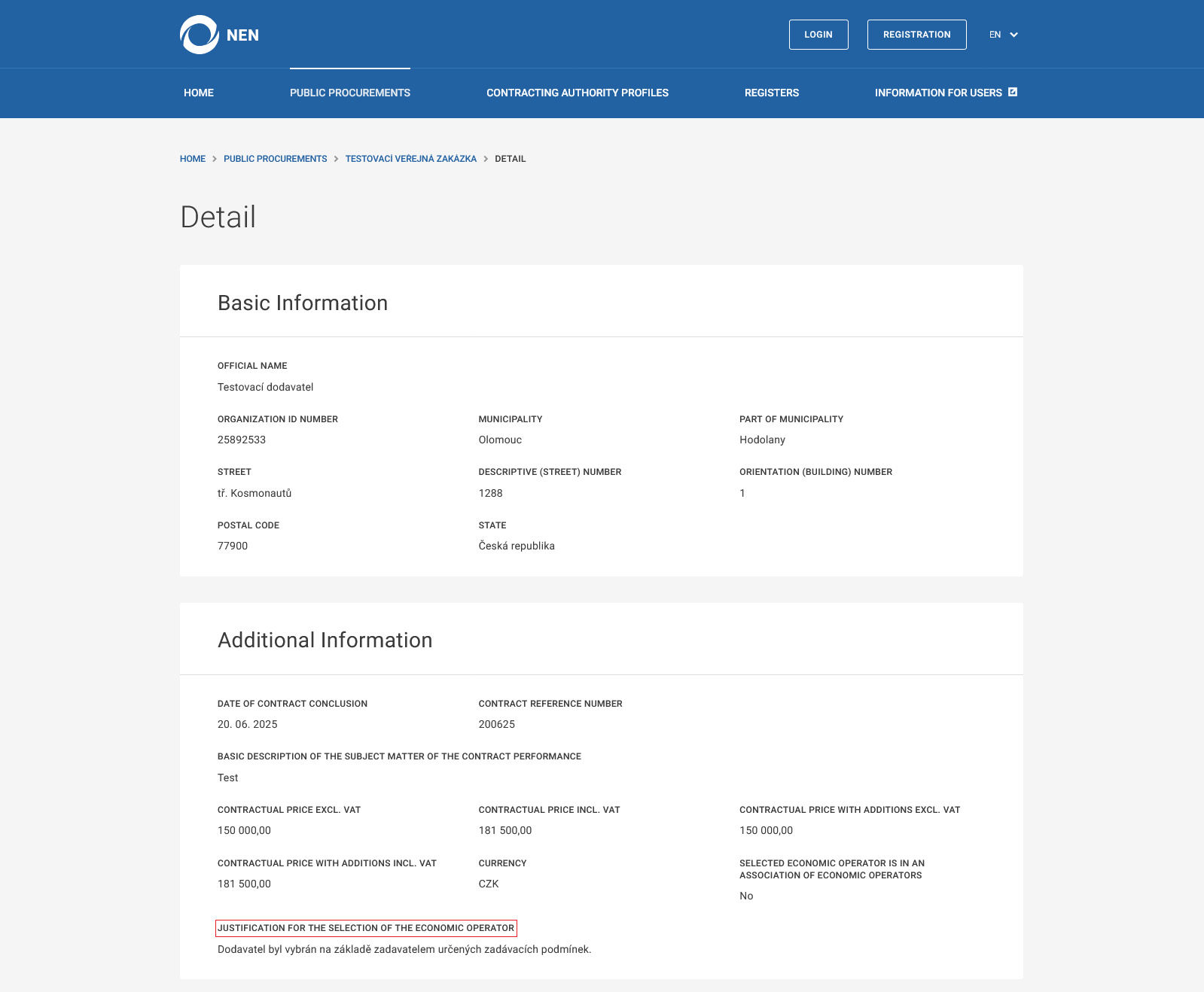
The field “Justification for the selection of the economic operator“, filled in by the contracting authority, will be displayed in the “Result” tab, in the section called “Economic Operator with whom the Contract Has Been Concluded” after clicking on the „i” icon under the selected economic operator. It is also displayed in the “Information” tab, in the “Publication Records in the NEN System“ section after clicking on the „i” icon under the “Uveřejnění výsledku“ publication type.