
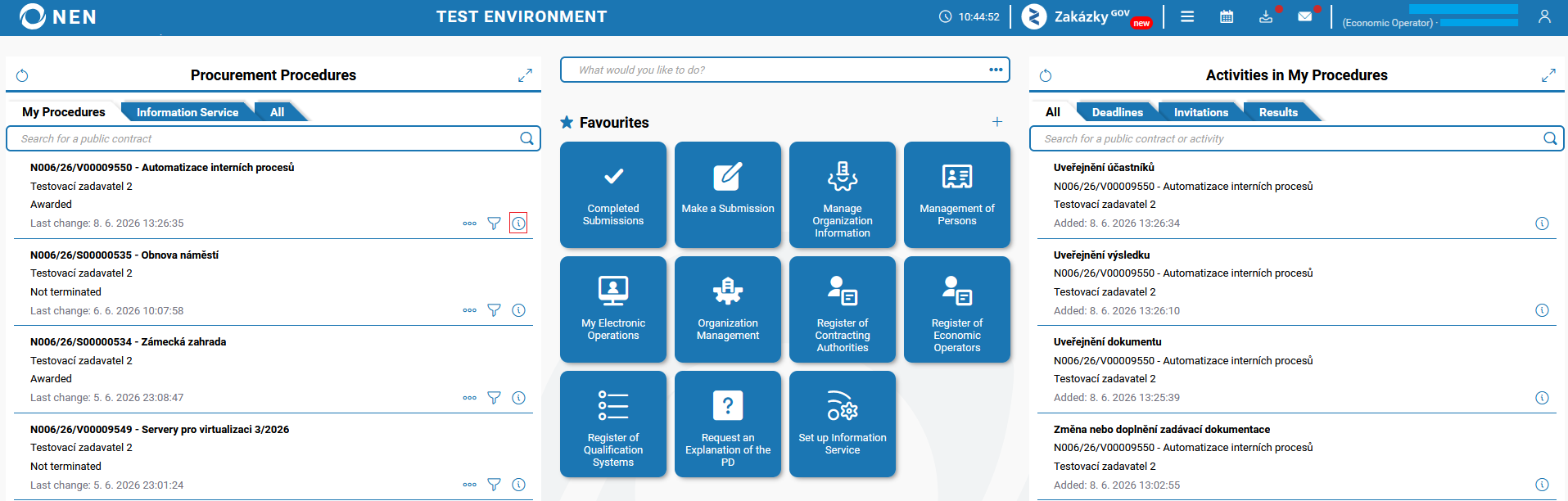
Detailed information about a procurement procedure can be viewed from many locations in the NEN system, e.g., from the list of procurement procedures through the "i" icon designed to display detailed information about the record. If you only have the role of "Entity’s Administrator", you cannot view this information.
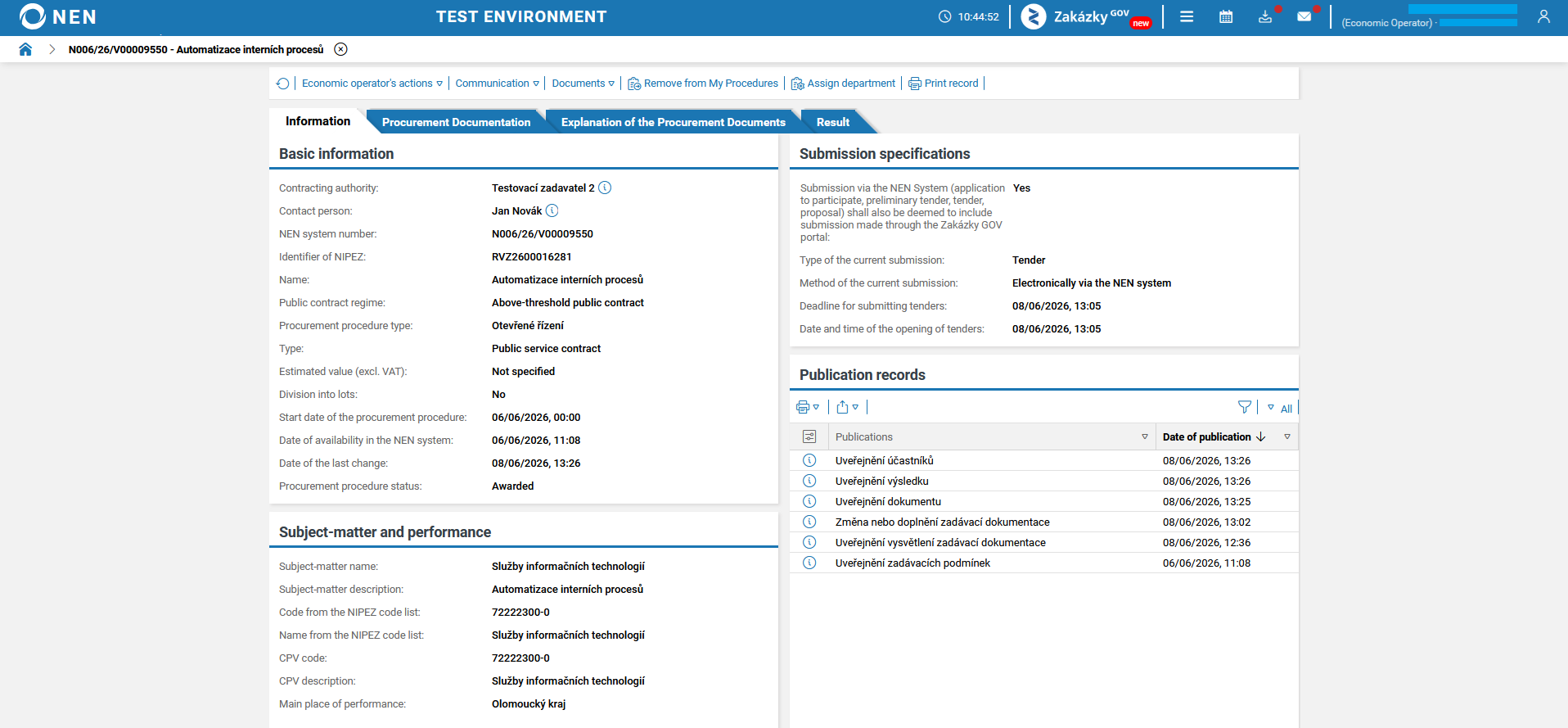
The detailed form with information about a procurement procedure is divided into folders. If the NEN system does not contain information for a particular folder, this folder will not be displayed at all. Individual folders are further divided in information sections. The detail of a procurement procedure is presented in the following image, the scope of displayed information may not always match the image.
Related articles
-
Folders of a Procurement Procedure -
Submission of a Tender, Indicative Tender, Request to Participate and Others -
Request an Explanation of the Procurement Documents/ Design Contest Conditions -
Request the Procurement Documents/ Design Contest Conditions -
Submit Objections -
Request Access to Tender Data -
Electronic Operations -
Request Access to a Document -
Communication -
Documents -
Assign Department