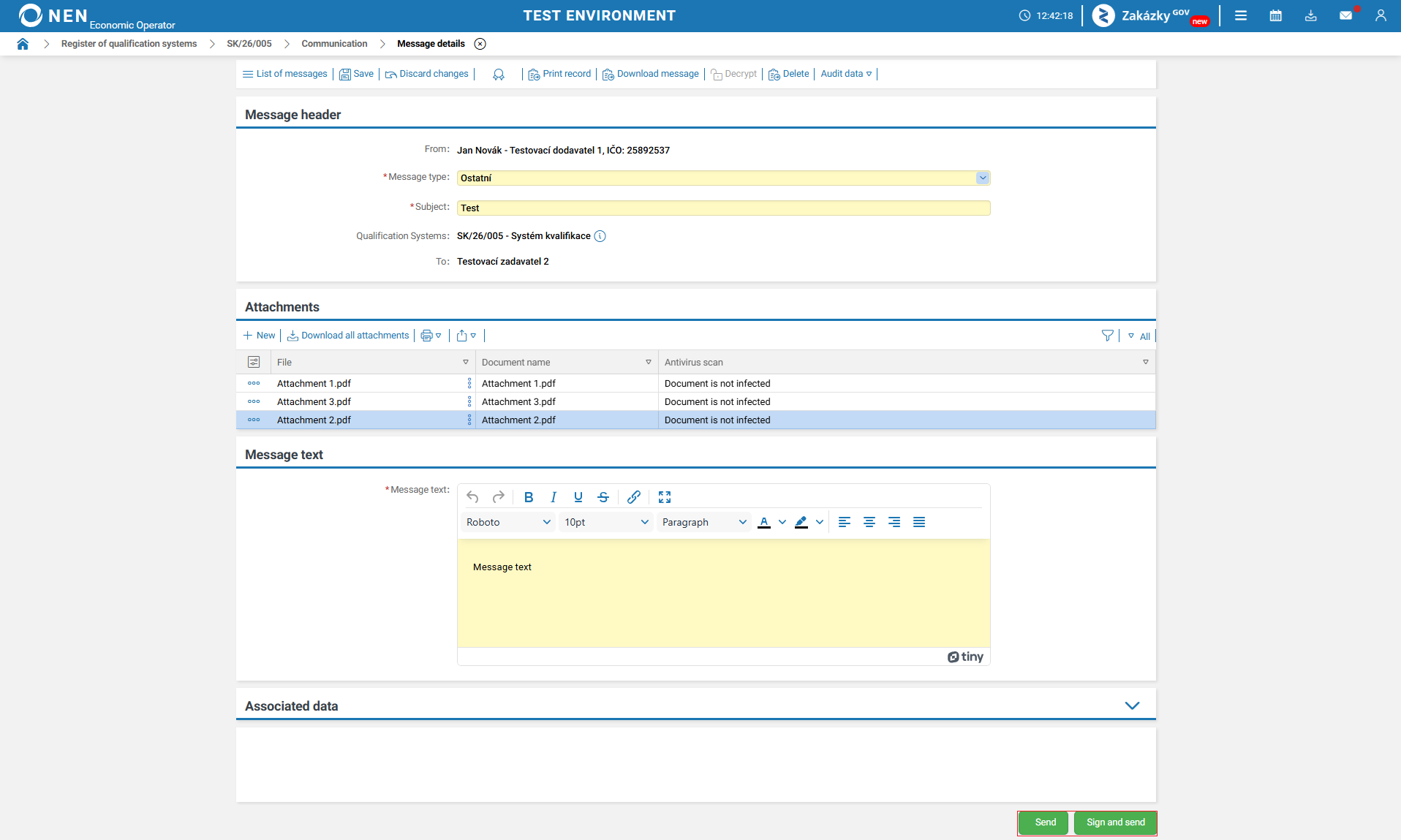
The NEN system allows communication with the contracting authority directly within the qualification system to ensure better traceability of document exchange and auditability of communication.
If you need to communicate with the contracting authority within the qualification system, follow these steps.
-
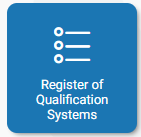
Locate or add the “Register of Qualification Systems” tile using the “What would you like to do” search bar or the “plus” icon.
-
Click the tile to open the “Register of qualification systems” form displaying a list of all qualification systems.
-
Open the detail of the selected qualification system, or use filters to refine your search.

-
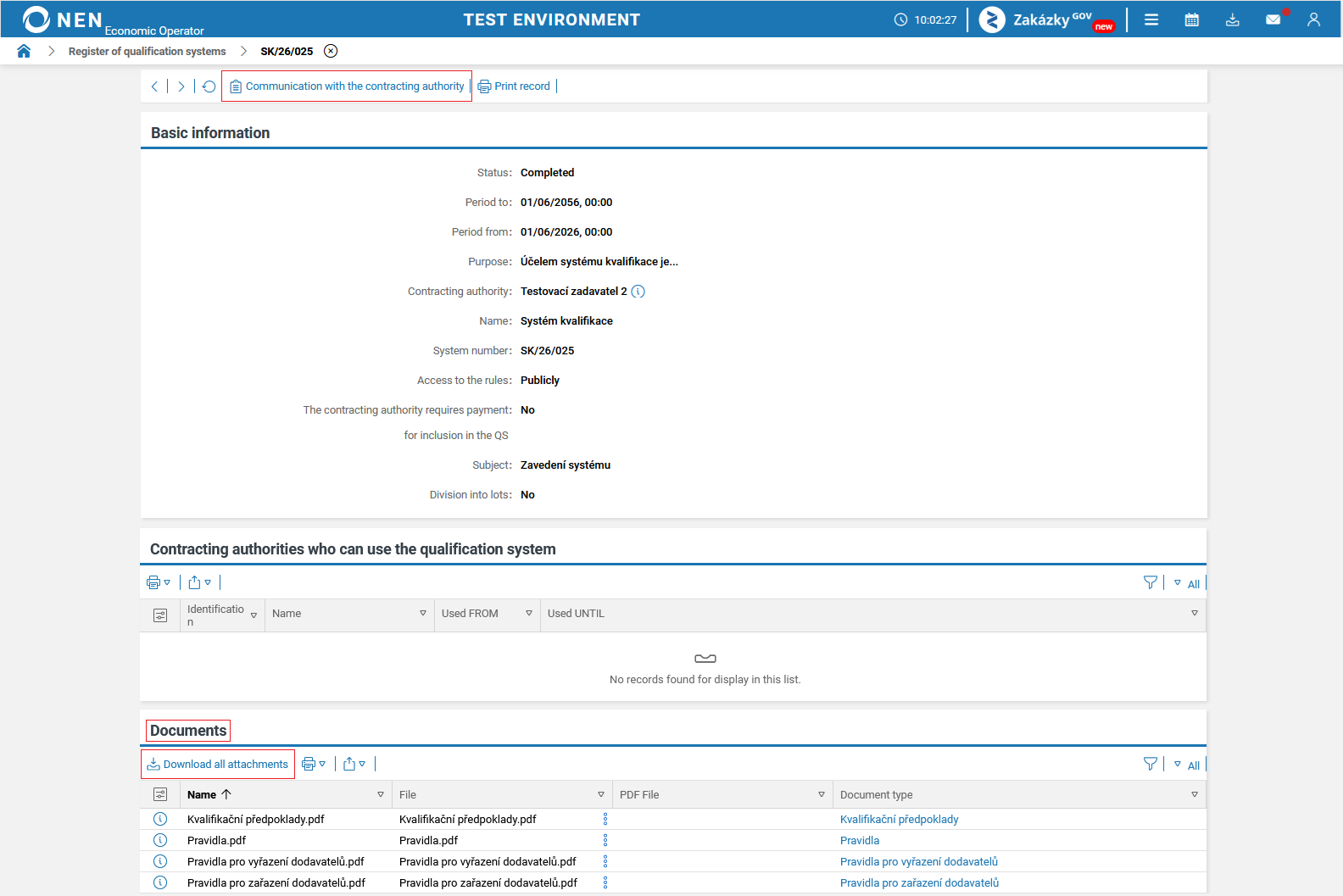
After opening the selected qualification system, download all contracting authority documents in the “Documents” section by clicking “Download all files”.
-
Then click the “Communication with the contracting authority” button in the top toolbar.
-
To send a new message, click the “New” button.

-
Complete all required fields (highlighted in yellow) and attach files if needed.
-
Once all required fields are completed, send the message using the “Send” or “Sign and send” button. If you choose “Sign and send”, the NEN system will prompt you to provide a signing certificate. In this case, the signing add-ons must be installed (available for download here).