In the NEN system (the National Electronic Tool), there are various features available for economic operators. To use all of the features in the NEN system, registration of an economic operator is necessary.
Logging in to the economic operator interface is performed via the public portal of the NEN system. The specific login procedure can be found in the article Public Portal of the NEN System, in the “Home” section.
For newly created persons, login via the NIPEZ Identity is required. If you log in to the system using a username and password, the NEN system will notify you after logging in that your existing account must be converted to the NIPEZ Identity. If the user does not complete the conversion within the required period, they will not be able to perform any actions in the NEN system.
Main screen of the NEN system
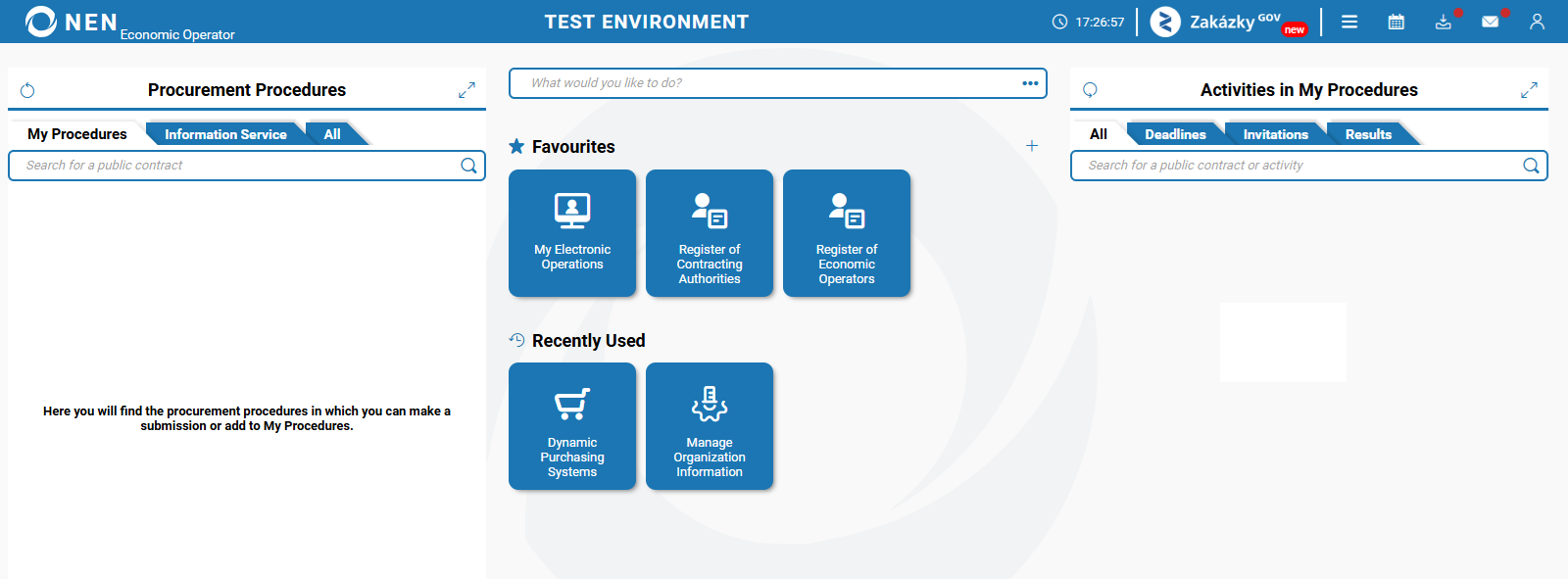
After logging into the NEN system, the main screen with tiles is displayed. The list of displayed tiles is governed by the active roles of a NEN System User.
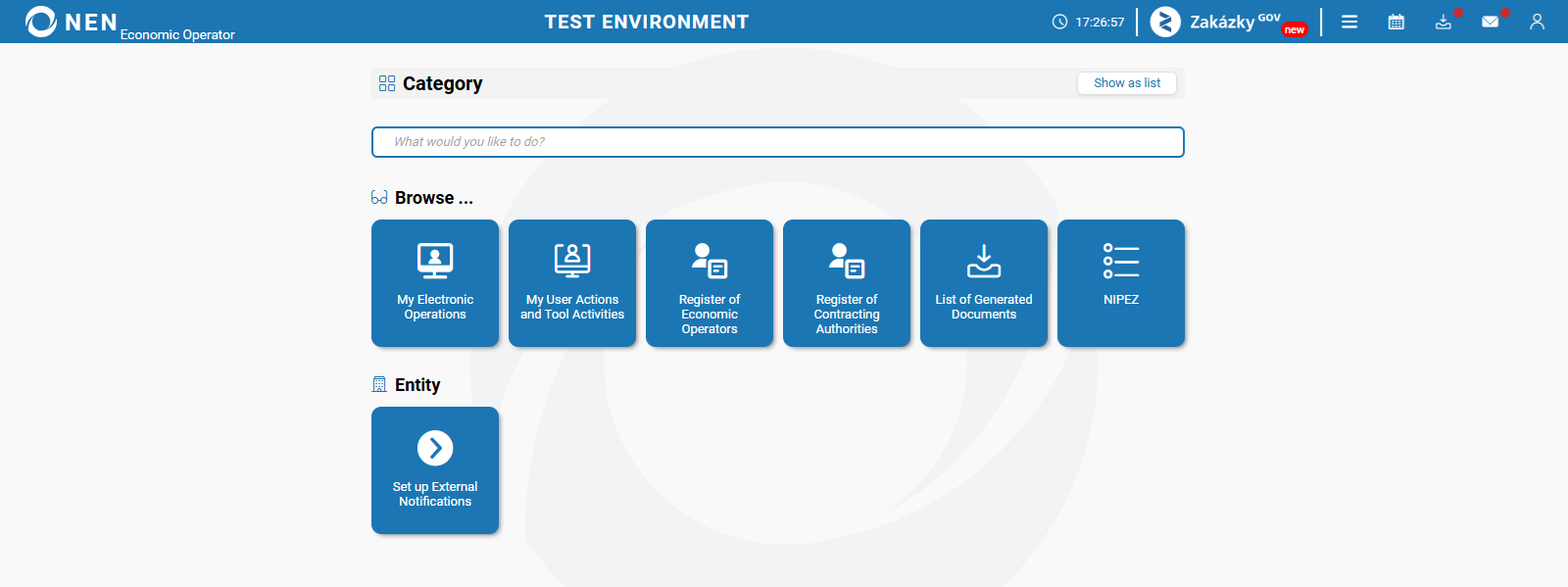
If, upon logging in, only the page depicted below is displayed, it means that you do not have any roles assigned. In such a case, it is necessary to contact the "Entity’s Administrator" of your organization to have the necessary roles (permissions) assigned to you.
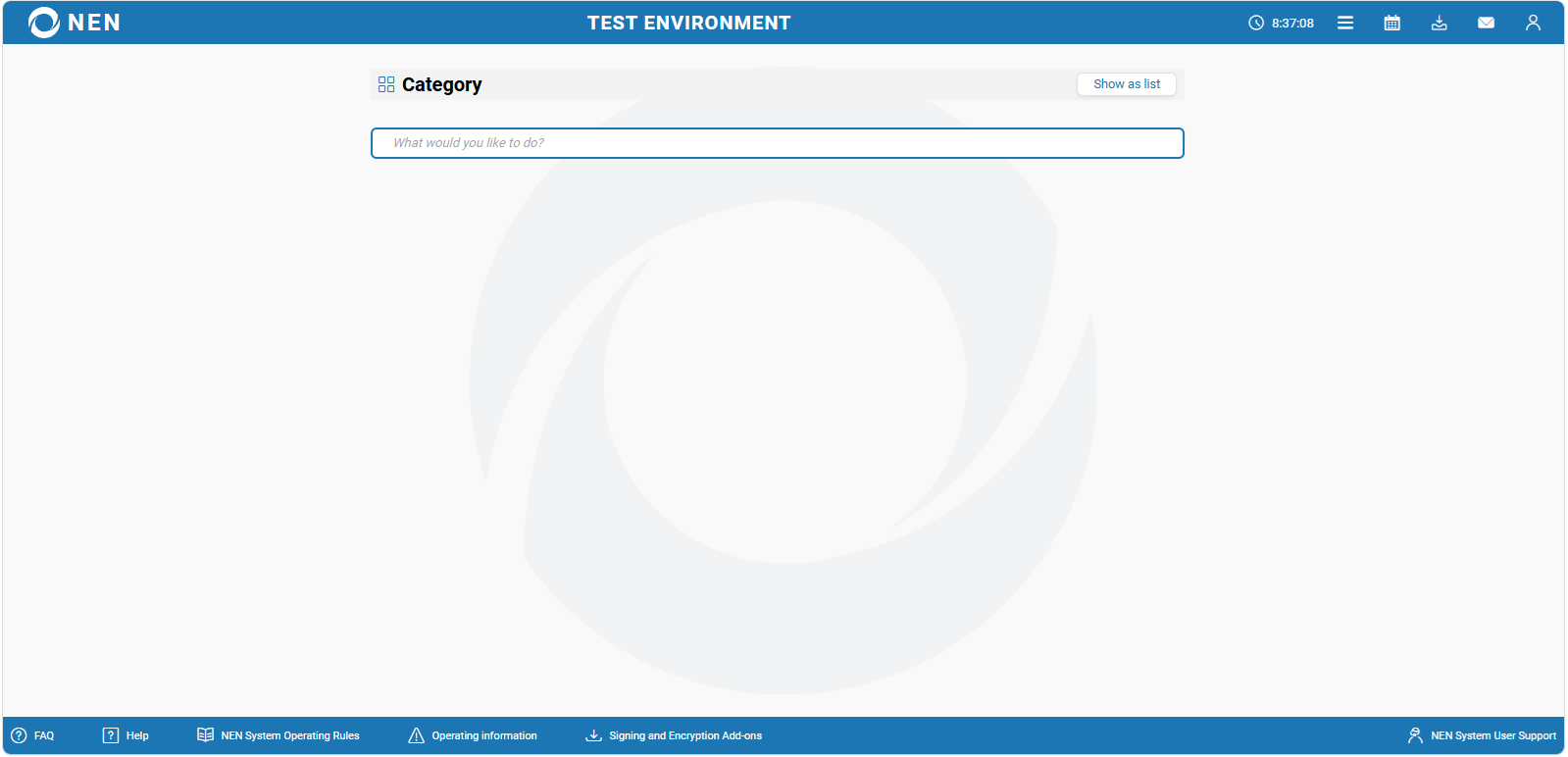
If, upon logging in, an empty page is displayed, your organization is only preregistered by a contracting authority (preregistration is performed by a contracting authority so that they could contact unregistered economic operators). To use all of the features in the NEN system, proper registration is necessary.