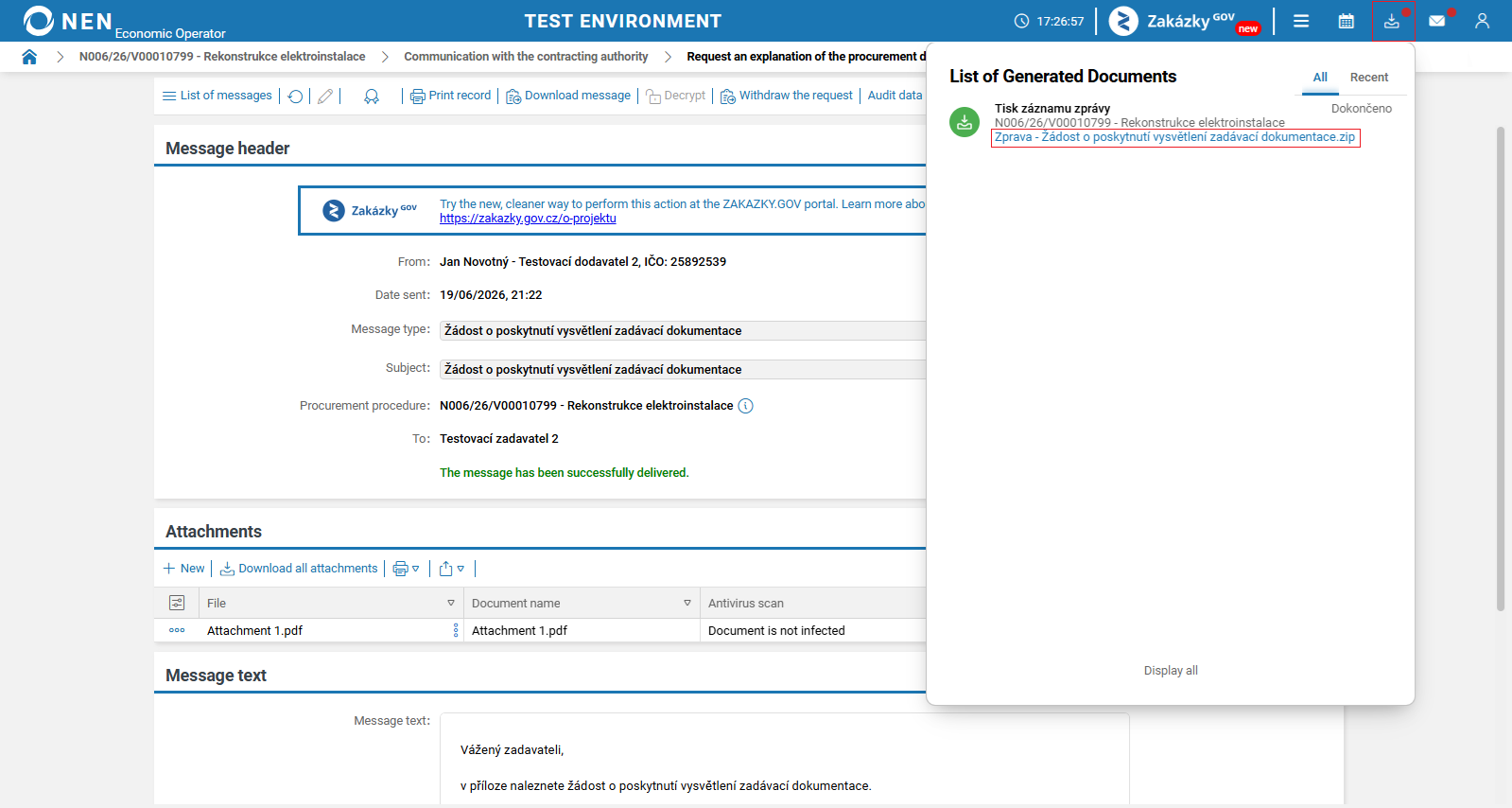
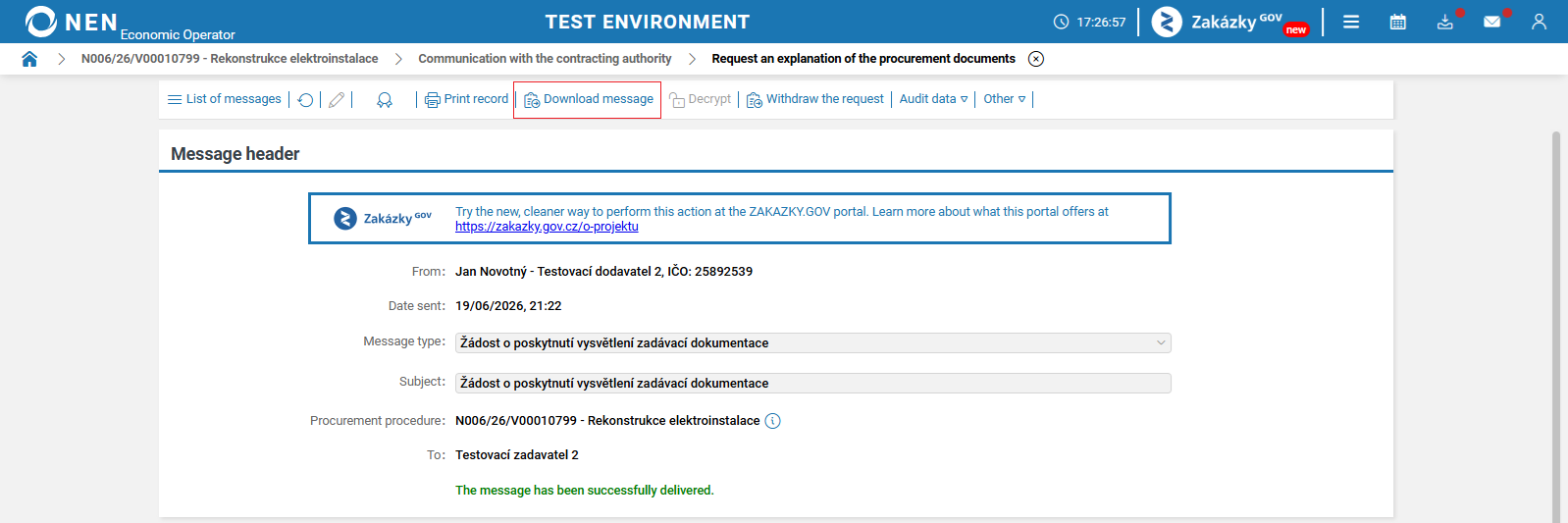
The NEN system allows a file containing the complete internal message to be generated by pressing a single button, for the purposes of archiving, convenient downloading, etc.
The “Download Message” option enables the generation of a ZIP file that contains a print output in PDF format and all attachments to the given internal message, if any are attached.
The print output contains all information and follows a structure corresponding to the internal message details. The print output is structured as follows:
-
Message header contains basic information about the internal message:
-
sent,
-
signed,
-
sender,
-
subject,
-
recipients,
-
procurement procedure/dynamic purchasing system/centralised purchasing/collection of requirements,
-
type of action,
-
whether the message was encrypted.
-
-
Attachments – a table containing a list of individual attachments:
-
file name,
-
antivirus scan status,
-
date added,
-
number of attachments.
-
-
Message text.
-
Supplementary data:
-
sender’s file reference number – at the time of sending,
-
sender’s reference number – at the time of sending,
-
sender’s file reference number – editable,
-
sender’s reference number – editable,
-
recipient’s file reference number – sender’s records,
-
recipient’s reference number – sender’s records.
-
All sections and individual items are printed in the print output only if they are filled in in the message. Sections that do not contain any attributes are not included in the print output at all.
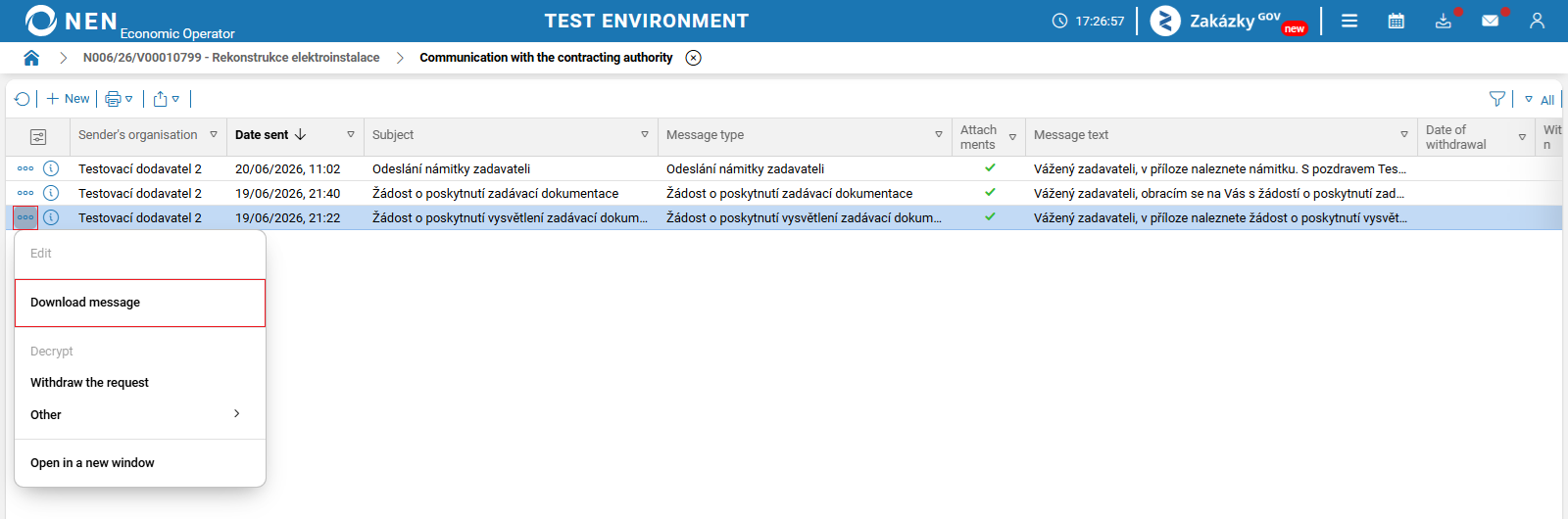
The option to download an internal message is available from the detail view of each internal message as well as via the “three dots” icon on the message record.
The generated ZIP file can be downloaded after clicking on the “List of Generated Documents” icon.