
This functionality is used for advanced searching of documents within a specific procurement procedure.
-
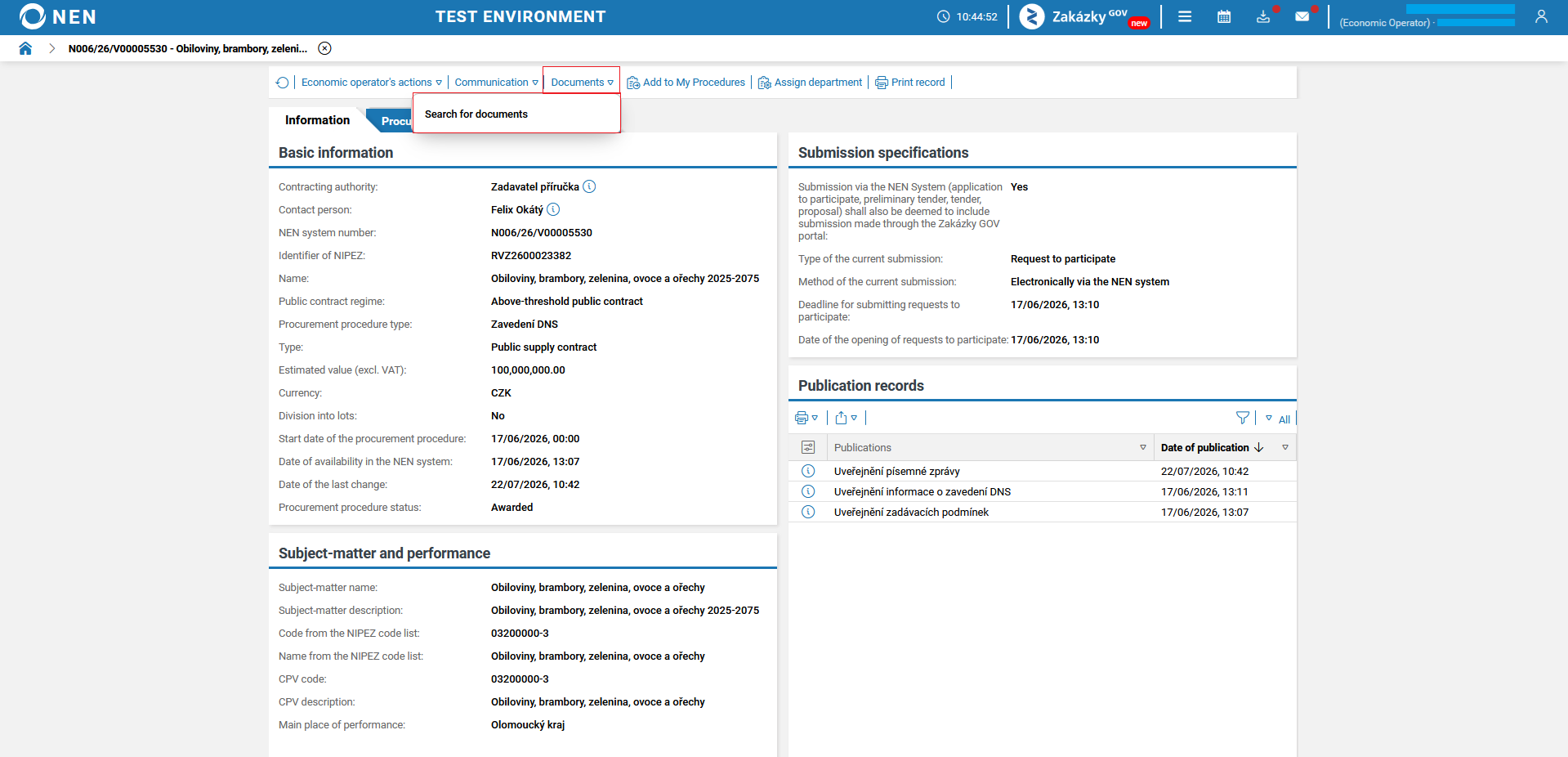
In the top toolbar of the selected procurement procedure, click “Documents” → “Search for documents”.
-
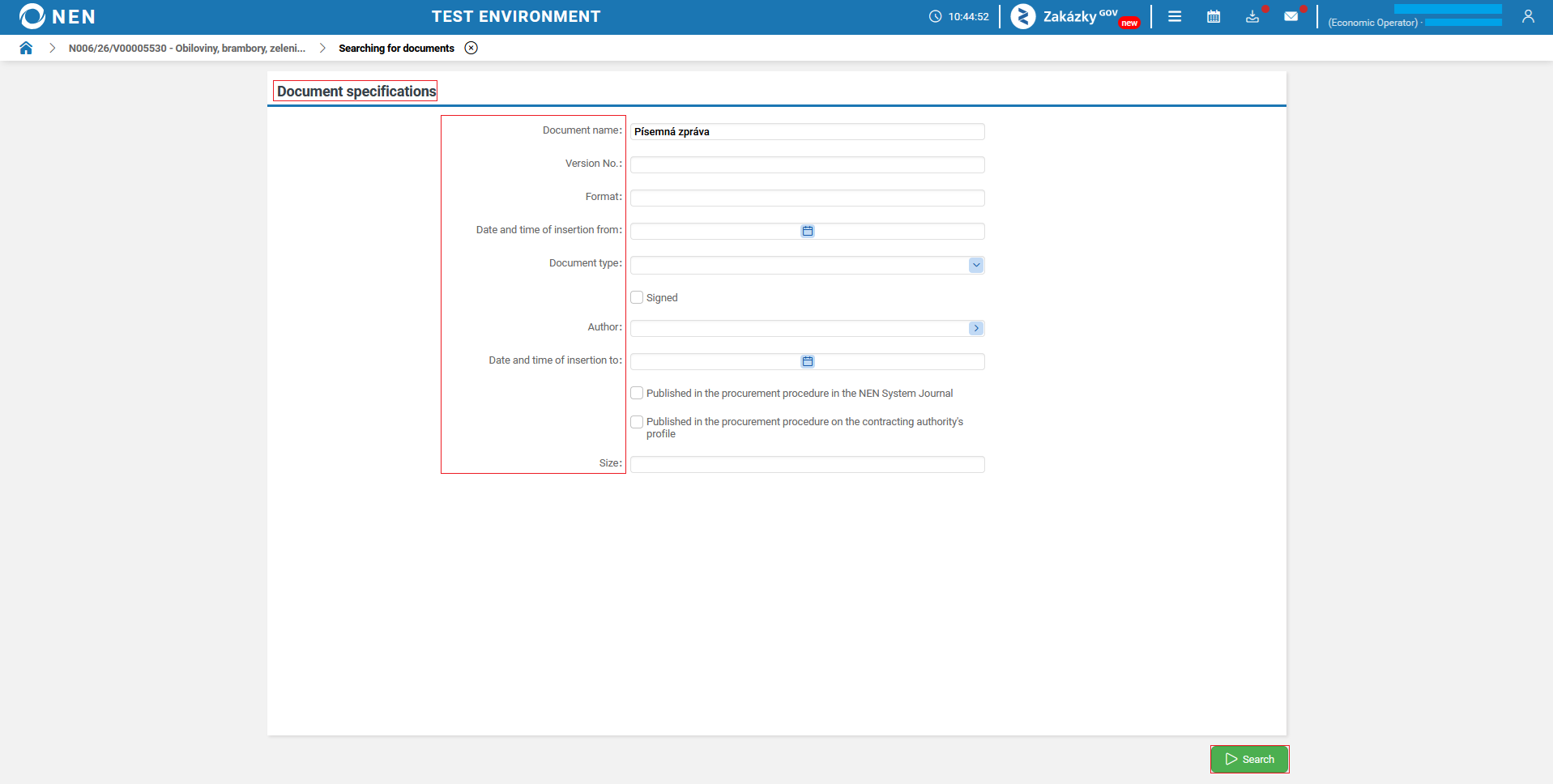
The “Searching for documents” form will be displayed. In the “Document specifications” section, search for the required document using your selected parameters. After entering the desired parameter, click the “Search” button.
-
The NEN system will display the “Document search results” form, where the document you searched for will be displayed.
